Personal Reminders: Stay on top of important everyday tasks

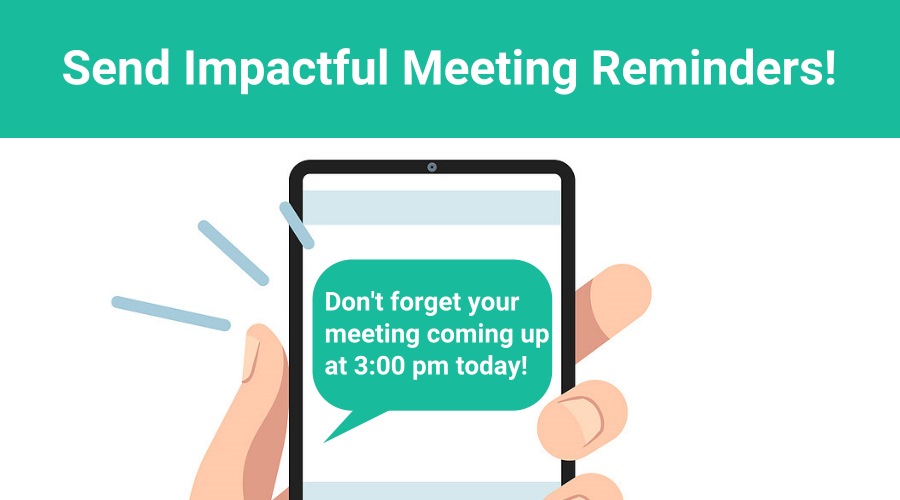
We have all been guilty of forgetting to do the things we need to remember to do. With more competition for our attention than ever before, simple tasks like waking up on time, paying bills and taking medication can easily fall by the wayside. In 2024 there are endless “solutions” to this problem. But few […]
Using and Setting up Teams

Welcome to Greminders team scheduling! In this video, we’ll discuss what team scheduling is and how to set it up. Team scheduling includes random round-robin scheduling of several team members, great for initial meetings, customer support, or service calls. You can allocate each member of the team equally or specify which team members should get […]

Appointment Reminder Templates with Advanced Criteria

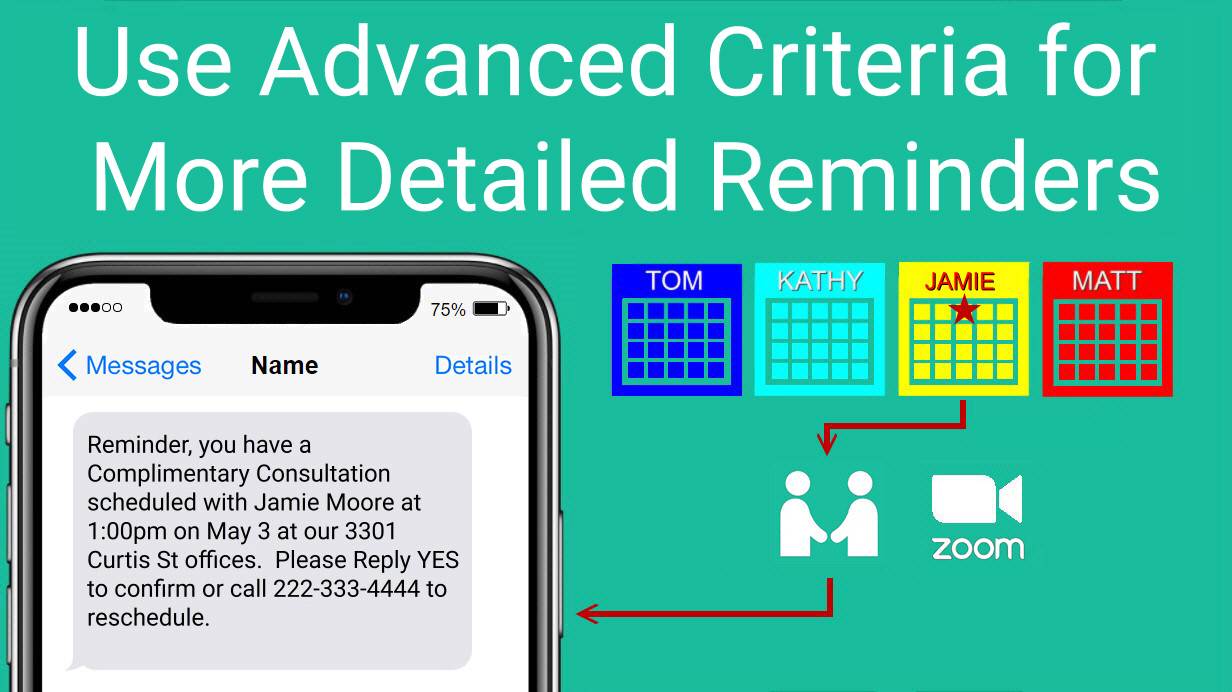
When you send text reminders or email reminders to clients for upcoming appointments, you may wish to include detailed information to ensure the nature of the appointment is understood, who the meeting is with, and even where the appointment is scheduled to take place. GReminders’ new advanced criteria feature offers you greater options and flexibility […]

Reschedule and Cancellation Notifications

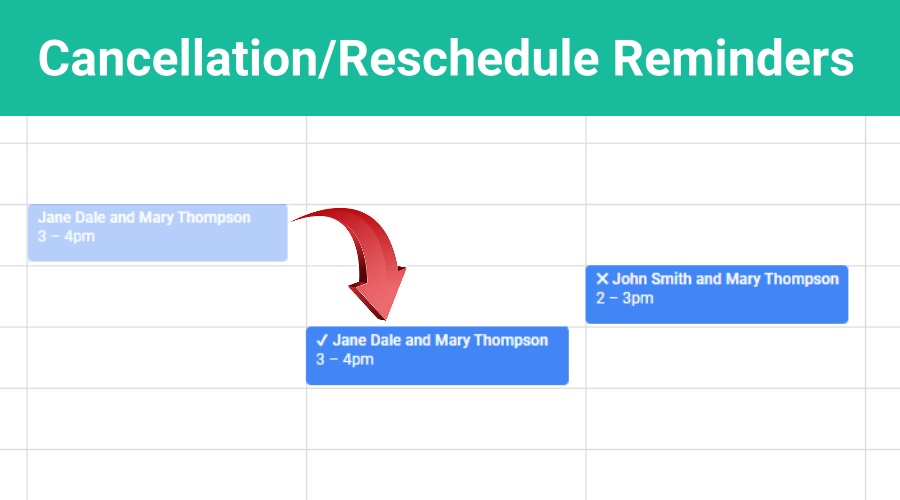
Would you like to send automated Reschedule and Cancellation Notifications to clients? Be sure your clients understand exactly when meetings will take place, especially when they have been rescheduled, and confirm with clients when appointments are canceled. It’s easy to automate the entire process by setting up Client Reminder Templates in GReminders. No more forgetful […]

HIPAA, BAAs, GReminders with Google and Microsoft Calendar

Yes, GReminders is HIPAA Compliant with a BAA. TLDR, Yes GReminders, Google Calendar (part of Google’s Workspace), Microsoft Outlook Calendar (part of Microsoft Office 365 Suite or Outlook.com) are ALL HIPAA Compliant with a BAA (Business Associates Agreement). Do the following to get HIPAA Compliant: for Google Calendar / Google Workspace: For more please visit: […]