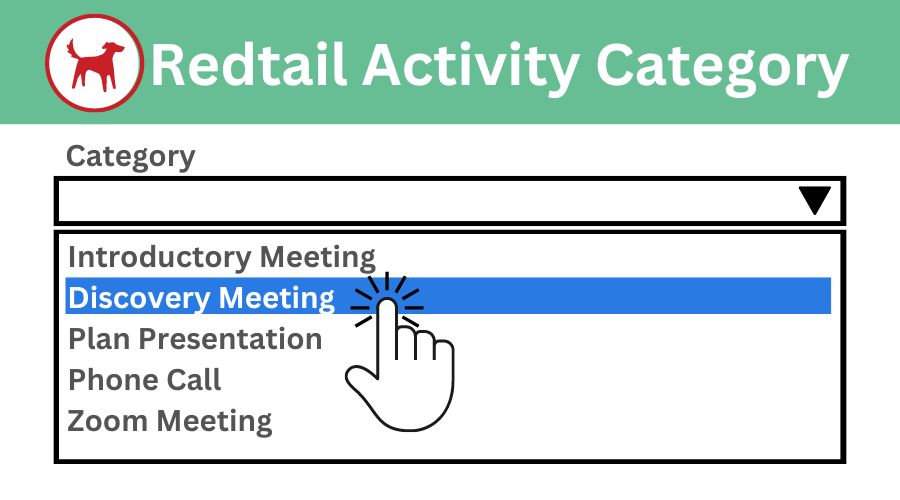
GReminders ‘Meeting Category’ option does more than organize your event types – it syncs with your Activity Categories in Redtail as well. This article takes you through understanding the GReminders Meeting Category option, Redtail’s Activity Category overview, and setting up the ability to map Meeting Category to Activity Category.
GReminders Meeting Category
GReminders Meeting Category feature sits beside Meeting Type in the Event Type build options. Without integrating Redtail on an organizational level, you can use Meeting Category as a way to track Event Type criteria. There is an Event Category reporting option on the GReminders platform in Usage Reports.
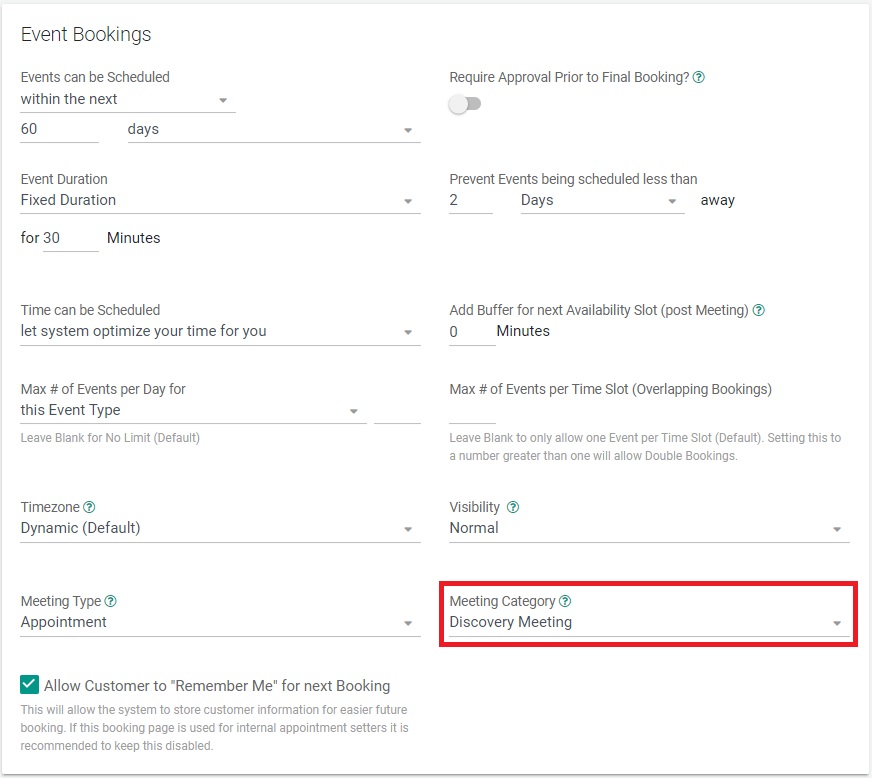
If Redtail is integrated on an Org level in GReminders, you can map your Meeting Categories to Activity Categories by selecting the option in the integration settings. Your meeting Categories will sync nightly.
Redtail Activity Category
Redtail Activity Categories are commonly used as a measure of reporting. Sometimes, Redtail users will use them to automate actions in their CRM when an Activity Category is changed. It’s important to remember that activity Categories are the same categories as Workflow Categories and Note Categories. This is intended as a way to keep data clean and consistent as well as find information quickly.
GReminders will already launch workflows on our end, no need to set up automations for those. However, there are a myriad of actions you can automate when Activity Categories are changed, which is why this feature is so powerful.
Setting up Redtail Activity Categories within GReminders
To configure this setting, go to Setup (top right corner), then select Integrations from the left menu. Click on your Redtail CRM integration and scroll down.
In the Redtail integration settings, you’ll see the option: “Sync Redtail Activity Categories with GReminders Meeting Categories Nightly?”
When this feature is enabled, you’ll have the ability to assign a Meeting Category to each Event Type in the Event Type setup screen.

Event Meeting Category Activity Report
Usage Reports can be found by clicking Setup (top right), then selecting Usage Reports from the left menu.
You can generate reports using various criteria, including the Event Meeting Category report. This report shows a monthly breakdown of how many Event Types were scheduled under each specific meeting category.

GReminders is able to sync directly with your Redtail Activity Categories. This feature boosts reporting availability, makes automatic changes to your CRM, and keeps your data scrubbed and clean. With this ability, your best practices received an upgrade!
That’s it! Any questions? Please email [email protected]
Happy Scheduling!
FAQs
What is the GReminders Meeting Category feature and how does it work?
The GReminders Meeting Category feature allows you to organize your event types and, if integrated with Redtail CRM, syncs your Meeting Categories with Redtail's Activity Categories nightly. It can be used to track Event Type criteria and is available for reporting within GReminders.
How do I set up the synchronization between GReminders Meeting Categories and Redtail Activity Categories?
To set up synchronization, go to Setup in GReminders, select Integrations, click on your Redtail CRM integration, and enable the option 'Sync Redtail Activity Categories with GReminders Meeting Categories Nightly'. Once enabled, you can assign Meeting Categories to each Event Type.
What benefits does syncing GReminders Meeting Categories with Redtail Activity Categories provide?
Syncing these categories enhances reporting capabilities by allowing detailed Event Meeting Category reports, helps automate actions in Redtail CRM based on Activity Category changes, and maintains clean and consistent data across workflows, notes, and activities.