

Auto-Replies and Custom Responses
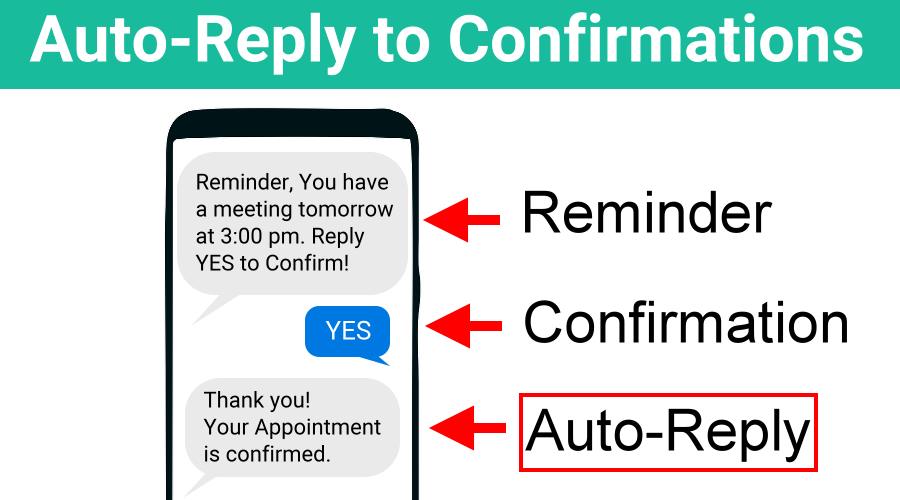
When you ask your prospects and clients to confirm their appointments with you, it’s great to get confirmation they plan to show-up, but there’s one more thing you can do to ensure your no-shows become a thing of the past – let them know you received their confirmation. Your affirmation of their confirmation will make […]
GReminders Inside Redtail CRM Setup Guide
Overview The GReminders integration for Redtail CRM brings AI-powered meeting intelligence directly into your workflow. Once enabled, the AI Notetaker joins your calls in real time and makes smart suggestions — automatically generating meeting notes, creating contact entries, kicking off workflows, creating opportunities, and assigning tasks to the right team members within Redtail. Note: This […]
Using Email Credits to Replace SMS Credits on Appointment Reminders

GReminders offers Email, SMS/Text and Phone Reminders as a way to deliver appointment reminders. We have relationships with Telecom providers across the globe. Each country actually has its own pricing, features and rules for sending and receiving text message, or phone calls. SMS/Text and Phone are exponentially more expensive to deliver an email. Email is […]
Use GReminders Appointment Reminder Software for Pre-Sales

Using GRreminders’ Advanced Custom Criteria feature, appointment reminder software becomes a powerful tool that you can use to Pre-Sell new clients prior to their initial meeting with you. Imagine new clients sitting down to meet with you for the first time who are already “sold” on your company’s products and services. Providing detailed information prior […]
Google Meet Link in your Appointment Reminders

Do you use Google Meet to schedule meetings with your customers? Having an issue with no shows, or folks who show up late? First, you will want to ensure that your Google Meet account is linked to your GReminders account. To do so, click on your Profile and then My Integrations. If it’s not yet […]
Add Images or Videos to Emails in your Email Reminders or Follow Ups

If you would like to customize the look of your email reminders using a banner image at the top of your email and a logo in your signature, you can do this quickly and easily using GReminders’ appointment reminder software. EMBED YOUR LOGO Step 1: Upload your logo to GReminders: In GReminders, navigate to Setup […]
Managing Reminders for Different Locations
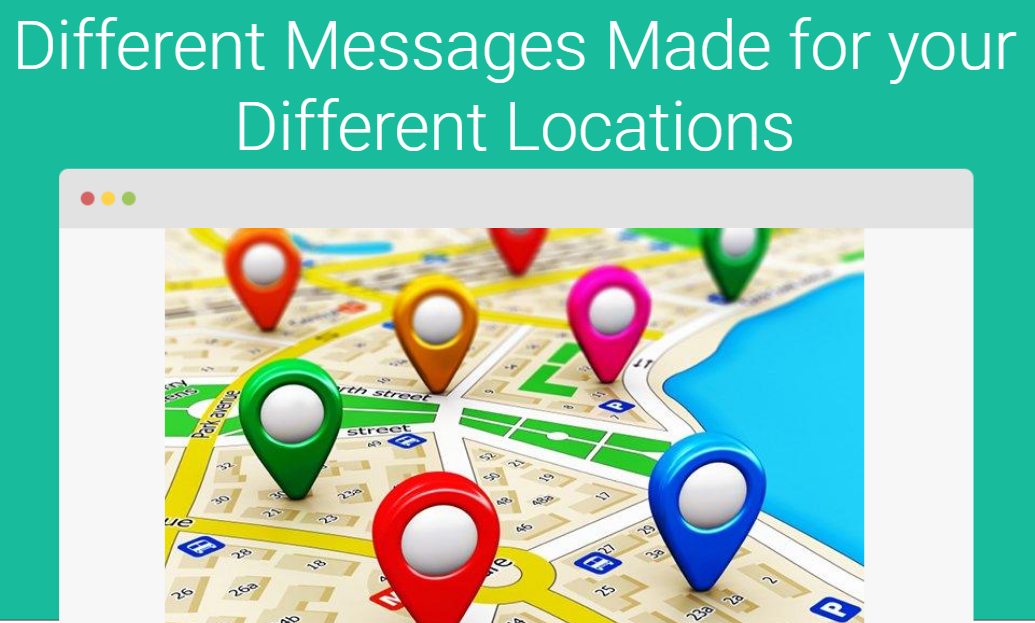
Do you have multiple physical locations where you are needing to send SMS reminders? With GReminders, it is easy to send different reminders for different locations! There are many ways to send different reminders for each location, but let’s take a look at some of the most common options: Let’s take a closer look at […]
Sending Reminders in Client Timezones
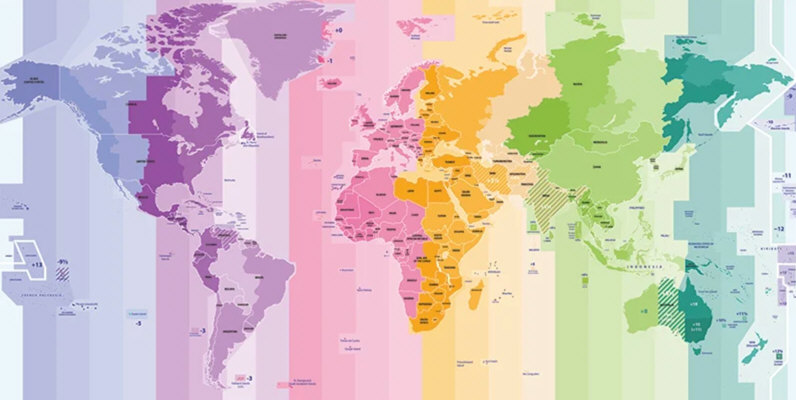
If you are using GReminders to send appointment reminders to clients to show up on time and your customers are in a different timezone than yourself there may be some potential timezone confusion. Typically the meeting is booked in your local time zone. So lets say you live in California and you book a meeting […]