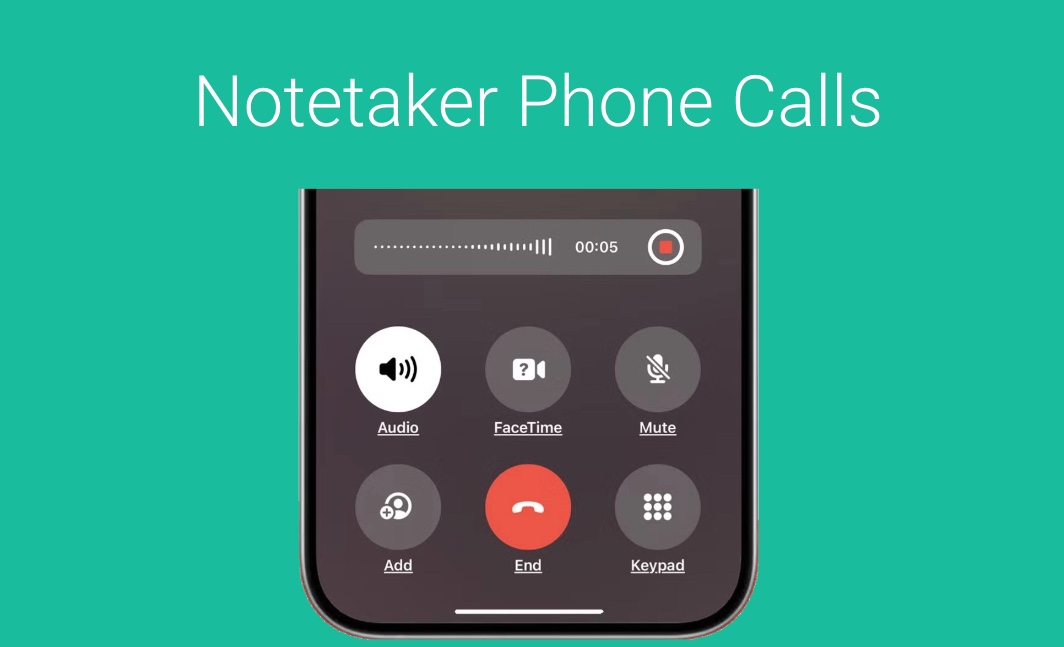
Mobile App (Android and iOS)
GReminders has a Native Mobile Application for both iOS and Android. The primary purposes of these applications are: Download these using the links below based on your Platform For iOS (iPhone or iPad) For Android Please note: To Use GReminders Mobile Apps you need an AI Notetaker License. If you have any questions please contact […]
Account Teams, Multi Advisor Ownership, Dynamic Teams
If you have multiple “Owners” / Account Teams / Advisors of a Account / Household and you want to schedule a meeting with all or some of those Advisors/Owners this article is for you. GReminders already supports 1:1 event types and “Fixed” Teams. But if you have “Dynamic Teams” which is to say, different clients […]
Client Automation: Redtail Head of Households
GReminders seamlessly integrates with your Redtail Contacts, empowering you to search and target specific contact lists with precision. This integration is a cornerstone of our Automation (Bulk Send) feature, enabling tasks such as sending automatic Birthday and Anniversary messages, streamlining your client review invitation process, and more. (Click here to learn more about this process) […]
Organization and User Level Connectors for CRM
When you connect your CRM to GReminders, in most cases you are doing this at the Organization Level. Meaning you go to Org Settings > Integrations click through to your CRM you are using and connect it. The “User” you connect with is the “primary” connector that the system will interface with. Meaning that whatever […]
Salesforce OAuth User Connection Issues
If you are hitting issues with your Users connecting their Salesforce account to GReminders you may be hitting permission issues with your Salesforce Org and GReminders. Salesforce (as of Sept 2025) is locking down OAuth Applications. Read more here. Here is what you need to to fix this: If the Admin has connected Salesforce to […]
Applying Notetaker Unlimited Licenses
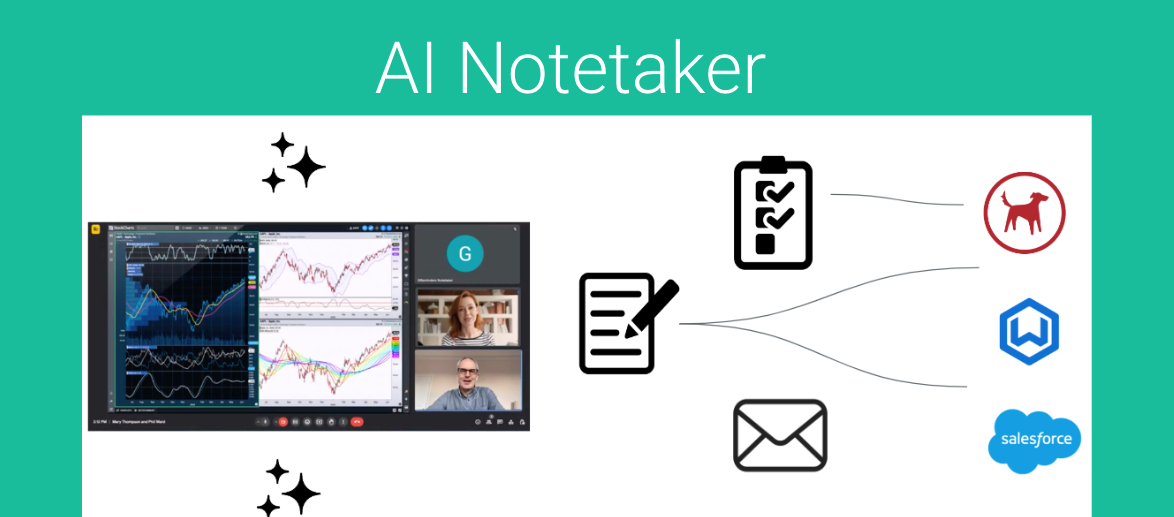
When you purchase one or more Notetaker Unlimited License(s) you will decide who those licenses should be assigned to. To apply AI Notetaker Licenses you must be an Administrator. Go to Setup > Users Click Edit next to the User Check the box under Extra Licenses, Notetaker License Hit Save. Repeat this for other Users […]