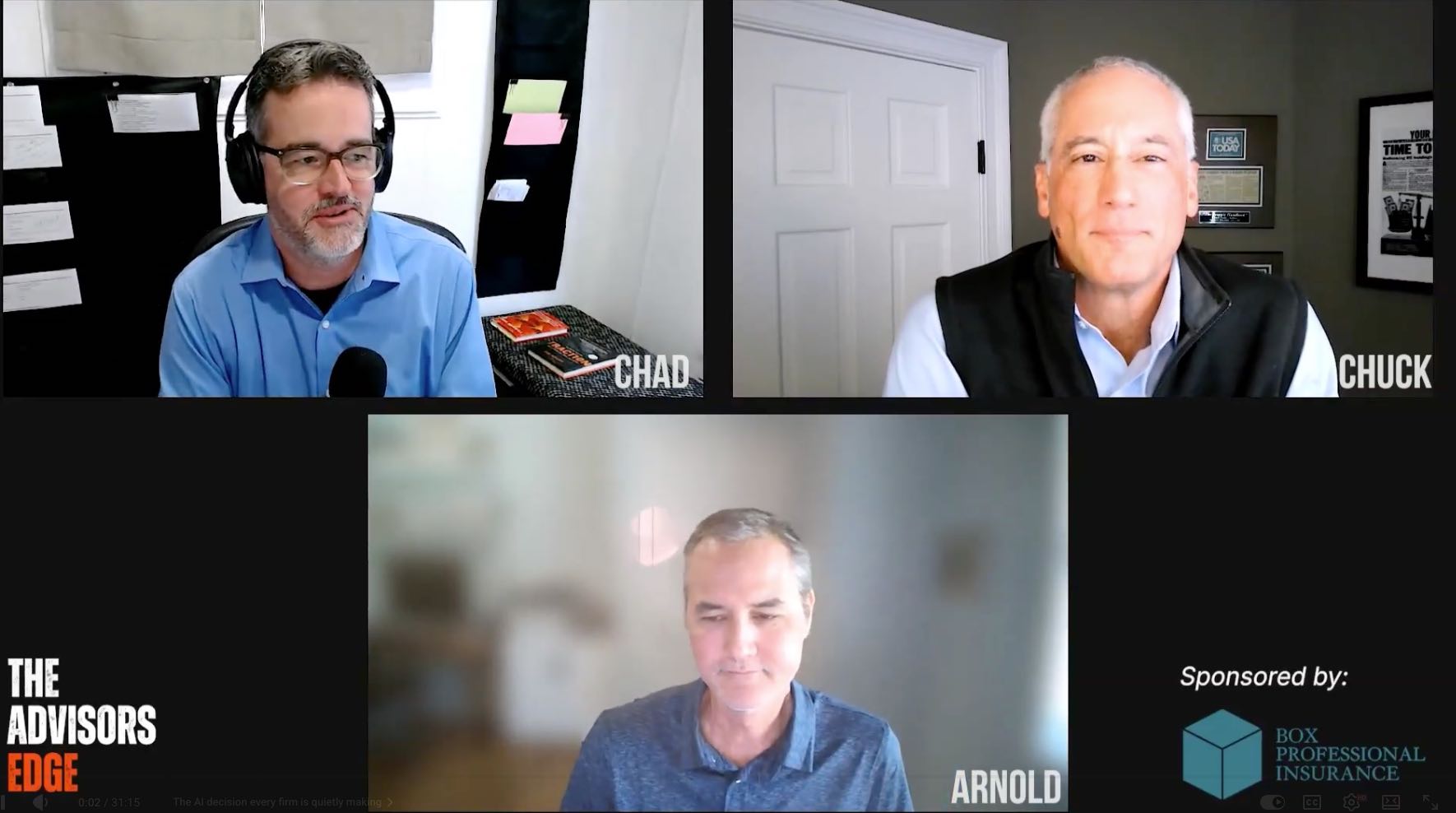
608% Growth, 600 Hours Saved: Celebrating Our Inc. 5000 Win with the Advisors Who Made it Happen

At GReminders, we spend our days helping financial advisors save time, eliminate administrative friction, and grow their practices. Today, we are thrilled to announce a major growth milestone of our own. GReminders has officially been named No. 578 on the 2026 Inc. 5000 list of America’s fastest-growing private companies. With a three-year revenue growth of […]
Advyzon Integration
Advyzon is a comprehensive wealth management platform that helps financial advisors manage portfolios, client relationships, financial planning, reporting, and compliance from a single, integrated solution. GReminders has integrated with Advyzon to: Setup Go to Advyzon and click on Integrations and find GReminders in the Partner Integration section: Next toggle the Integration ON and enable both […]
Managed Client Decks
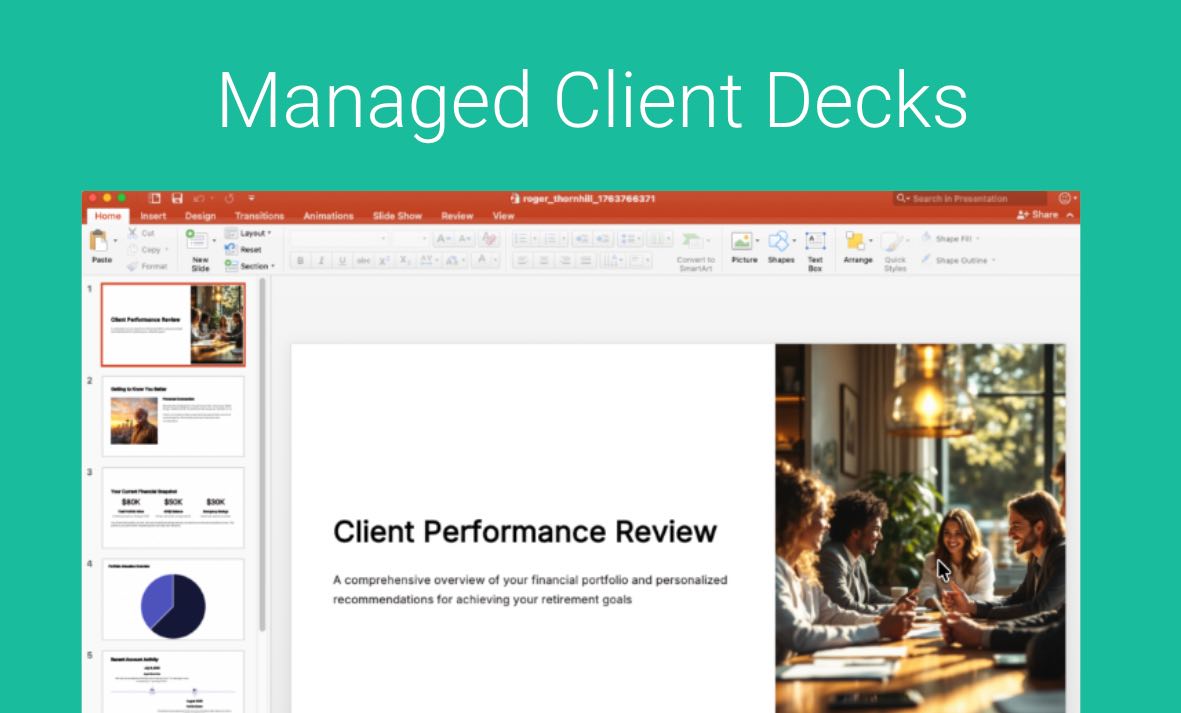
Managed Client Decks are Designed for Consistency, Not AI Guesswork Standard AI Presentations can vary slide by slide based on the Pre Meeting Brief Content. Managed Client Presentations are different. They are built specifically for repeatable, structured meetings (typically 5 to 15 slides) – such as: Instead of AI guessing what to build, you get […]
July 2026 Recap
July was another action-packed month, headlined by two major AI integrations, a new way to turn documents and conversations into clean CRM data, and a steady stream of Notetaker, scheduling, and admin improvements. Here’s everything we shipped and everywhere we showed up: AI Forms and Field Extraction: Our biggest release of the month. GReminders can […]
Microsoft CoPilot + GReminders

GReminders integrates with Microsoft Copilot, bringing the same powerful scheduling, calendar, CRM, and practice intelligence directly into the Microsoft 365 ecosystem. Whether you’re working in Outlook, Teams, or other Microsoft applications, Copilot can leverage GReminders to help you schedule meetings, answer questions about your practice, and access the information you need without leaving your workflow. […]
Claude + GReminders: Your Advisory Tech Stack, Connected
AI is most valuable when it understands the context of your business. By connecting GReminders to Claude, financial advisors can go beyond general-purpose AI and interact directly with their calendars, CRM, and client data using natural language. Schedule meetings, check availability, look up clients and households, answer questions about your practice, and access information across […]
Pre Meeting Briefs
A 2023 Kitces Survey said Financial Advisors spend 4 hours PER client PER Year on Meeting Preparation. This includes things like remembering back to the last conversation, collecting notes and making themselves refamiliar with the client or prospect. What does their portfolio performance look like? Or how have recent market events affected their thinking. Did […]
Override Availability
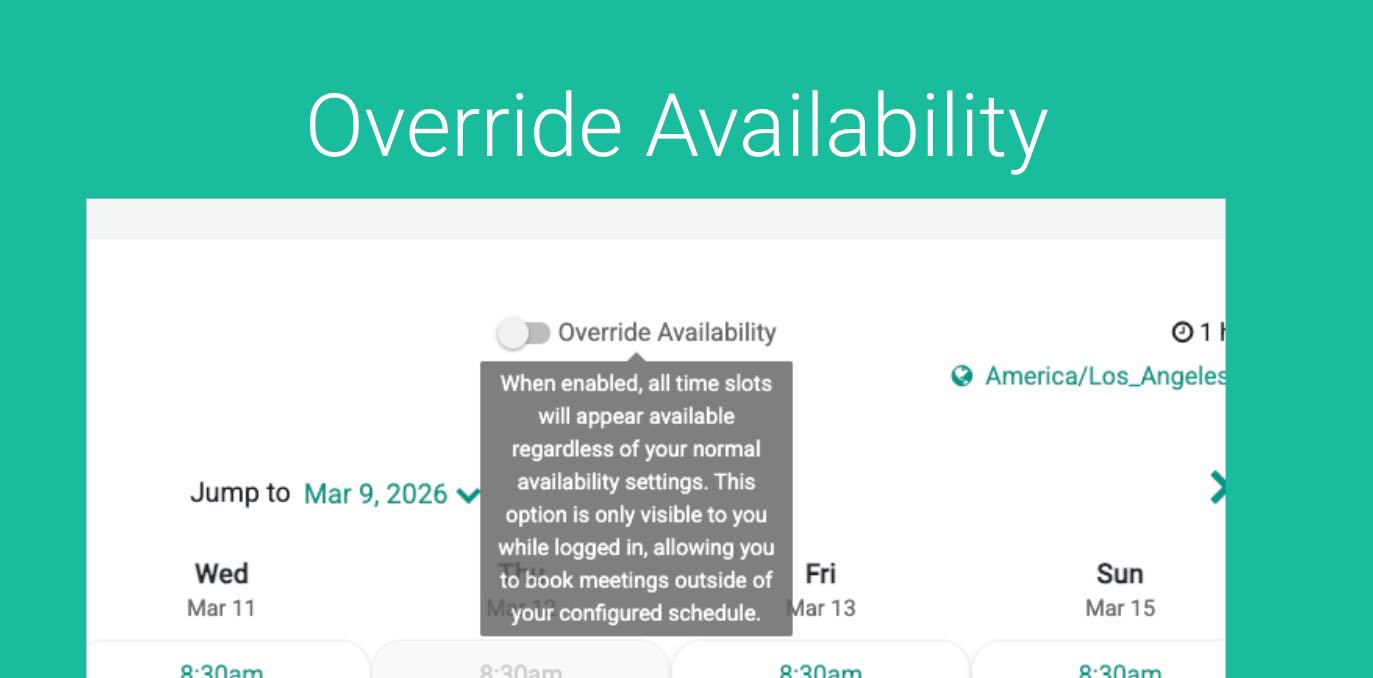
GReminders Scheduling automatically determines when you are available for meetings. It looks at your working hours, existing calendar events or blocks, and any pre- or post-meeting buffers to calculate the time slots that clients can book. However, there are times when you may want to accommodate a special request—for example, fitting in an important client […]