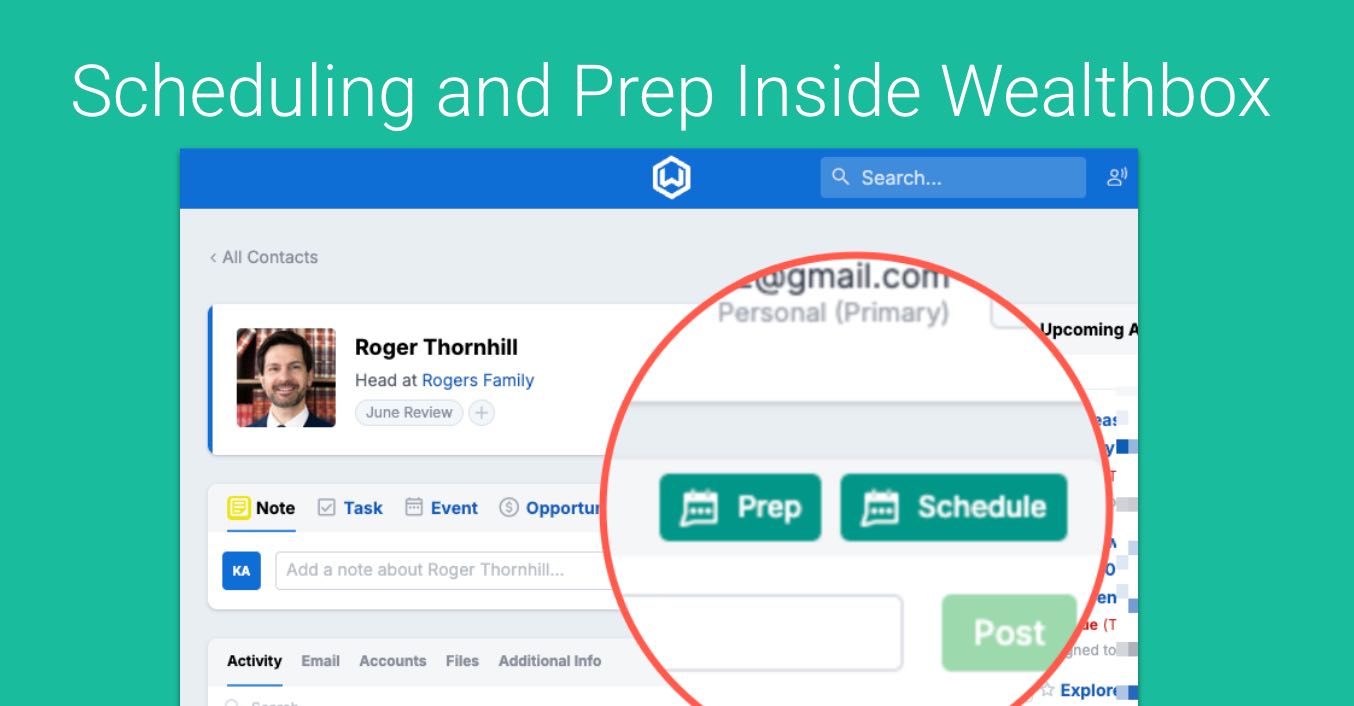
Managing a busy advisory practice requires seamless coordination. To eliminate the friction of switching between tabs, GReminders now inside Wealthbox using the GReminders Sidebar Chrome and Edge Extension.
Wealthbox users can now access advanced scheduling tools and AI-driven meeting preparation directly in their browser alongside their CRM data.
Watch this Overview Video:
Here is a detailed breakdown of how it works:
On the Calendar
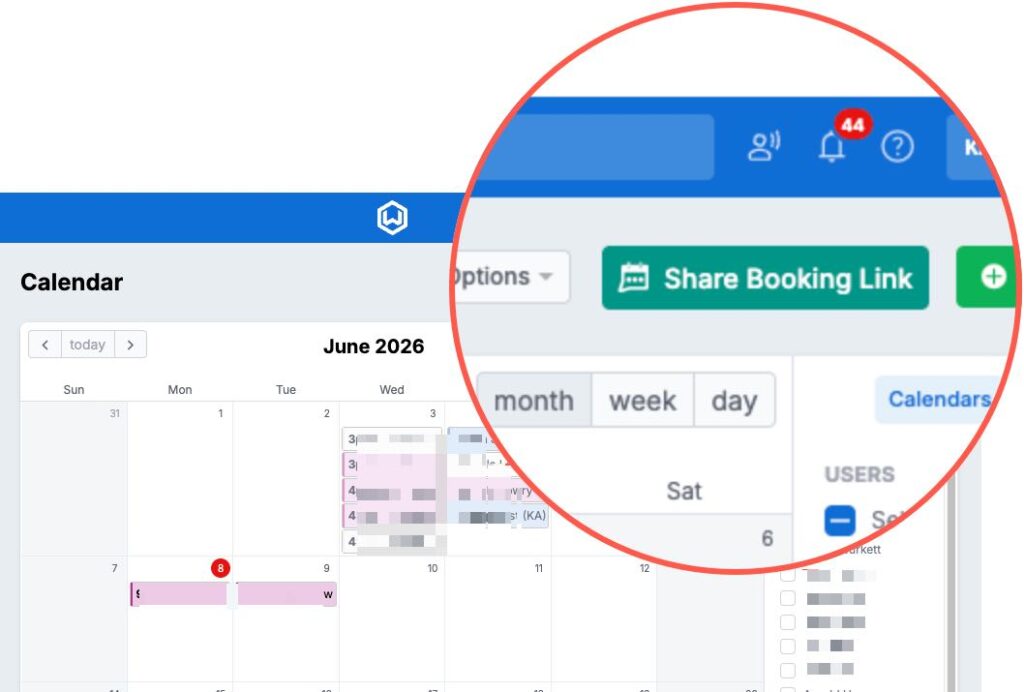
On the Wealtbox Calendar page you will see a new button called Share Booking Link. This will allow you to pull up your GReminders Event Types or any other Users within your Organization. You can also book a One Off Meeting, Share Time Slots and Single Use Links from here.
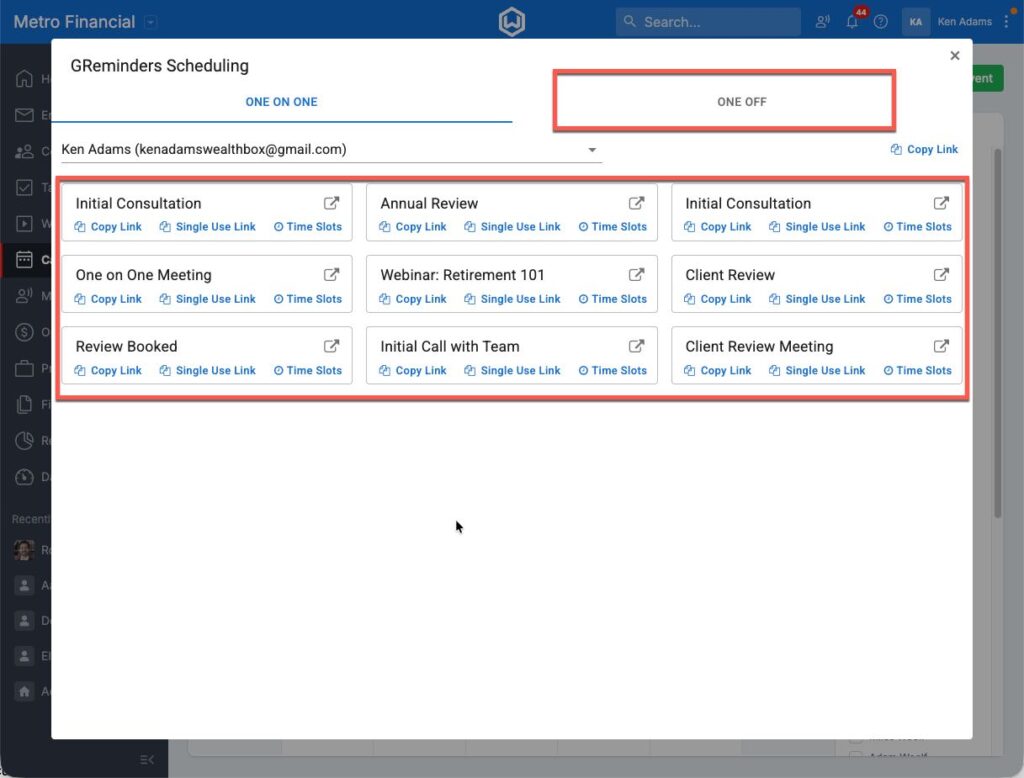
Once you click on Share Booking Link, you will see all your Event Types, etc…
On the Household or Contact Record
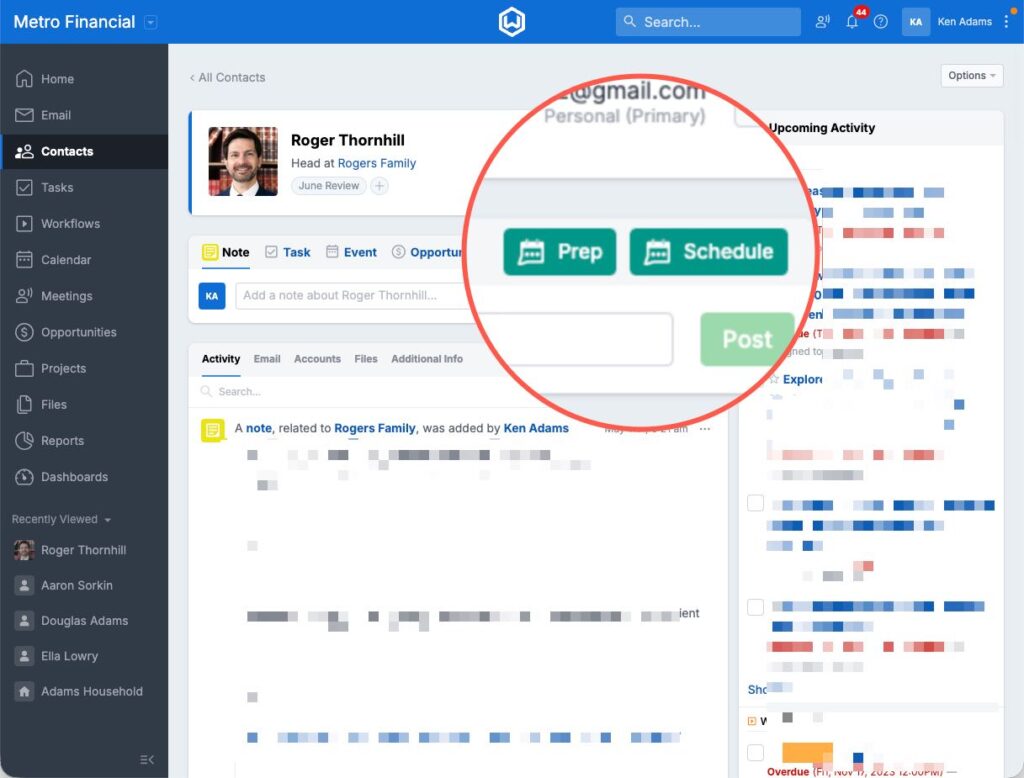
Schedule Button
One-on-One Booking Links
The One on One tab in the sidebar houses all of your customized meeting templates—whether you are hosting a prospect demo, an annual financial review, or a new customer onboarding session.
- Copy Link: Quickly grab your standard URL to send in an email or text.
- Single-Use Link: Generate a one-time link to prevent clients from booking unexpected future meetings on your calendar.
- Favorites Menu: “Star” your most frequently used event types to access them at the very top of your sidebar instantly.
One-Off Meetings with Multiple Advisors
Coordinating schedules for team-based advice just got easier. The sidebar’s One Off tab allows you to create custom, ad-hoc meetings that loop in colleagues on the fly without having to build permanent team templates.
- Select your event type, custom name, and duration.
- Choose the primary organizer and add internal team participants.
- The sidebar automatically generates a unique calendar link that checks overlapping availability across multiple advisors’ calendars simultaneously. Paste it straight into your email or message—no back-and-forth required.
- When you use this with Account Teams the system automatically pulls the right Advisors and CSAs into your Meeting.
Smarter Contact Records & AI-Powered Meeting Prep
Or click on the PREP Button and get a Pre Meeting Brief generated for you.
Preparation is the key to a successful client review. While Wealthbox gives you a great overview of past activities, tasks, and portfolio information, the GReminders extension takes your prep work to the next level with an AI Meeting Prep button right inside the sidebar view when viewing Wealthbox contact records.
What is included in the AI Meeting Prep Brief?
With a single click, GReminders’ AI scans your Wealthbox CRM data to generate a comprehensive, scannable pre-meeting brief. You will instantly get:
- Household Details: A quick snapshot of the client’s family structure and key relationships.
- Recent & Relevant Notes: A curated summary of past interactions so you can pick up exactly where you left off.
- Financial Overview: High-level portfolio and financial data pulled right from CRM, Latest Statements, Documents, etc…
- Conversation Starters: Personal touches and relevant talking points based on CRM history to help build rapport.
- Client Presentations: Generate a Client Presentation within 30 seconds based on the Pre Meeting Brief.
That’s It.
Enjoy a tighter, cleaner integration between Wealthbox and GReminders. Access scheduling tools, client context, and workflows without leaving your CRM.
Need Help? Email to [email protected]
FAQs
How do I share my booking link using the GReminders Sidebar in Wealthbox?
On the Wealthbox Calendar page, click the new 'Share Booking Link' button. This allows you to pull up your GReminders Event Types or other users within your organization. You can book one-off meetings, share time slots, and create single-use links from there.
What features does the AI Meeting Prep Brief provide in the GReminders Sidebar?
The AI Meeting Prep Brief scans your Wealthbox CRM data to generate a comprehensive pre-meeting brief that includes household details, recent and relevant notes, a financial overview, conversation starters, and can generate a client presentation within 30 seconds.
How can I coordinate meetings with multiple advisors using the GReminders Sidebar?
Use the One Off tab in the sidebar to create custom ad-hoc meetings involving multiple advisors. Select the event type, name, duration, primary organizer, and add team participants. The sidebar generates a unique calendar link that checks overlapping availability across advisors’ calendars, which you can share directly without back-and-forth scheduling.