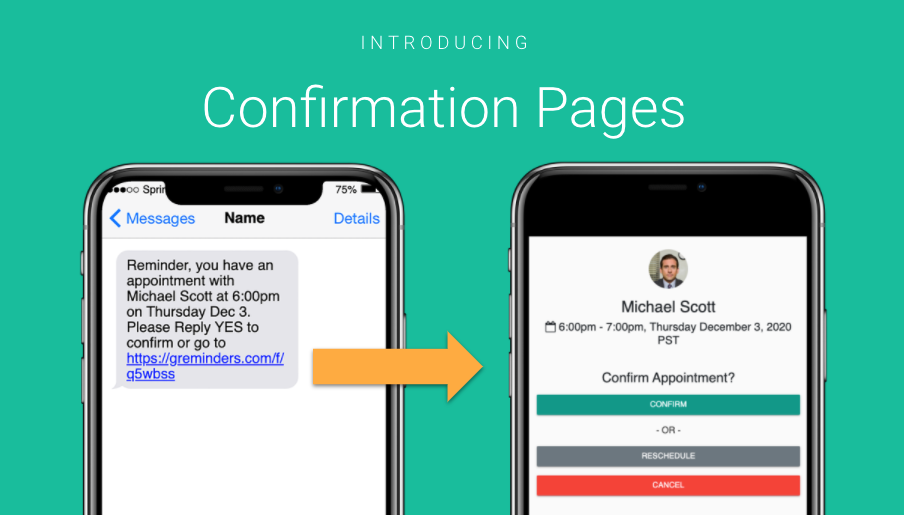
If you are sending Text Reminders to customers, currently it’s common for people to just reply YES to confirm or request a reschedule or cancellation if needed.
You can use a Confirmation Link, which allows the customer to confirm, reschedule OR cancel all within one single interface.
This also works well if you don’t want to deal with responding to customers immediately and let them “self-service” themselves. For a Reschedule or Cancellation for example.
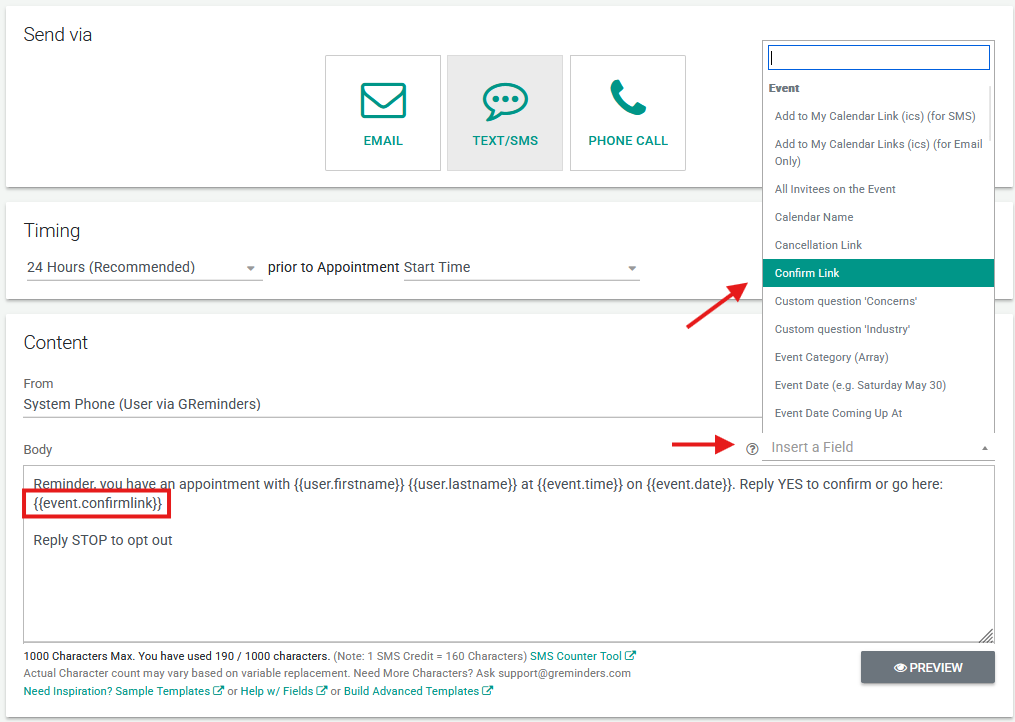
To do this simply use the new “Confirmation Link” in your Reminder Template like so:
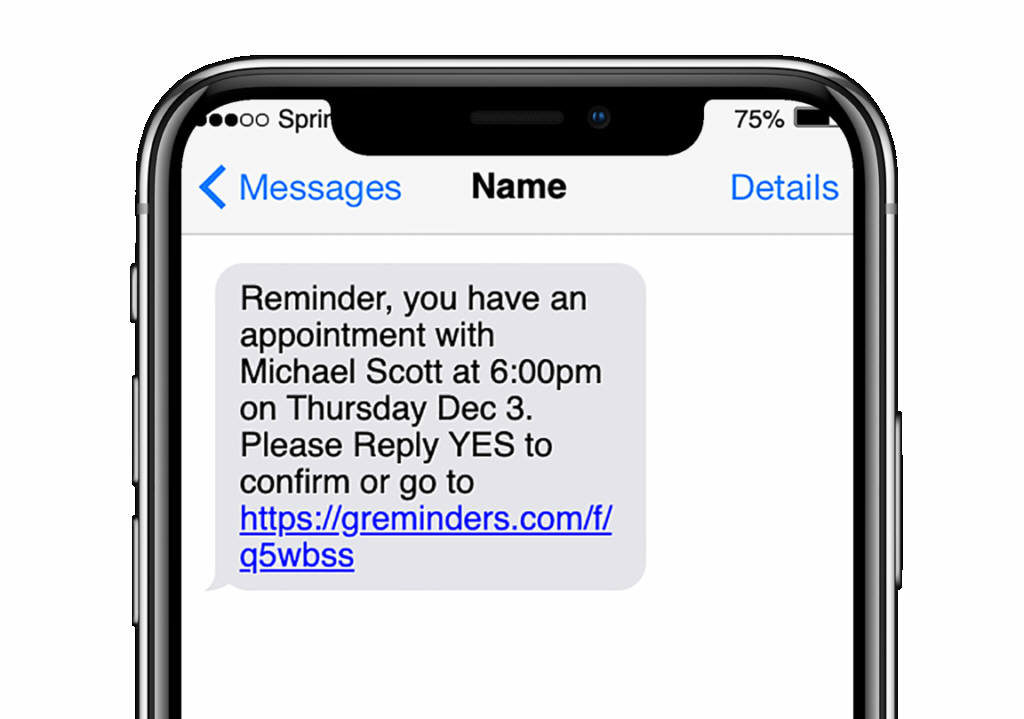
Then when your Client receives this reminder over text or SMS they will see something like:
After clicking on this link they will end up at:
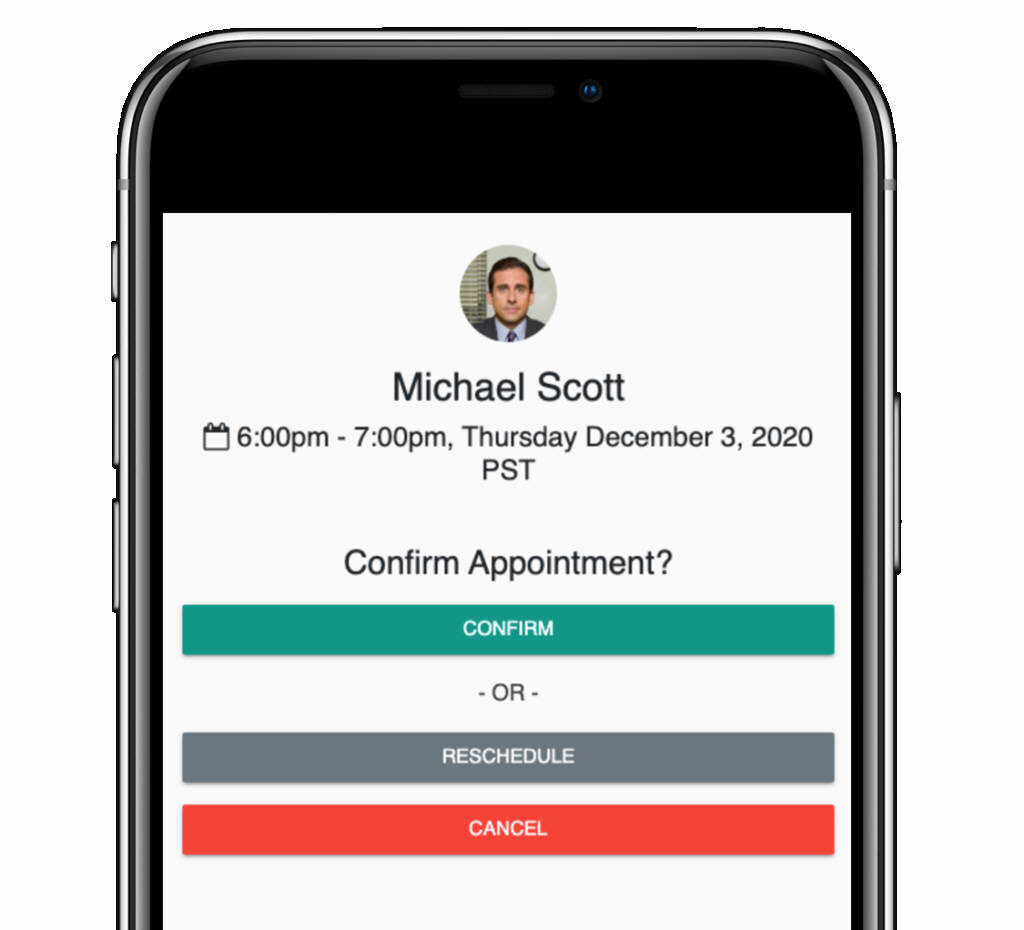
Where they can Confirm, Reschedule or Cancel their Appointment.
That’s It!
Any questions? Email to [email protected]
Happy Scheduling!