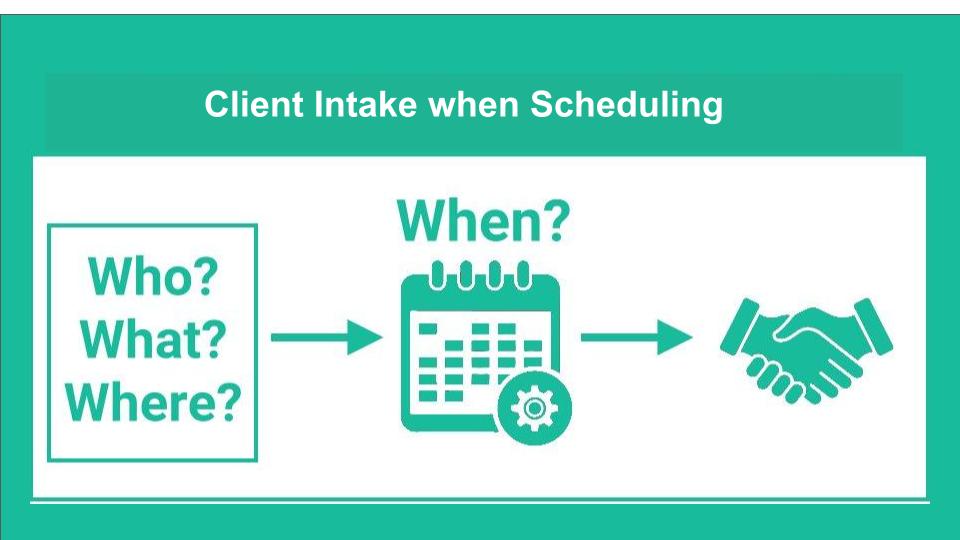
Streamlining Client Intake During Scheduling
Collecting key client details early—during initial discovery meetings—builds stronger relationships, streamlines onboarding, and ensures compliance. Essential information typically includes contact details, date of birth, driver’s license, Social Security Number, marital status, employment information, investment accounts, and net worth.
GReminders streamlines this intake process by integrating data collection directly into your booking flow, reducing administrative overhead and allowing you to personalize client communications using the captured data.
GReminders supports two primary approaches: embedding custom questions into specific event types or using routing forms for dynamic control. Both options integrate seamlessly with primary calendars (Google Calendar, Microsoft Outlook) and leading CRMs (HubSpot, Salesforce, Redtail, Wealthbox) to ensure data flows automatically where it’s needed.
Note: Both methods require the client to book a meeting through GReminders. If you need to collect information independently of scheduling a meeting, a dedicated intake platform like PreciseFP may be a better fit.
Method 1: Adding Custom Questions Directly to an Event Type
This approach is ideal for standardizing intake across routine appointments, such as a standard “Discovery Meeting.” By embedding custom questions into the event type, information is gathered consistently every time a meeting is booked.
Setup Steps
- Create Custom Questions: Navigate to your GReminders settings and build the questions you need to ask.
- Map to Your CRM (Recommended): Map each question to its corresponding field in your CRM (for example, map “Net Worth” to a custom field in Salesforce or Redtail). This ensures responses automatically populate your client records.
- Attach Questions to the Event Type: Go to Event Types, edit or create your target meeting (e.g., “Discovery Meeting”), and select Add a Question to attach your custom fields.
Method 2: Setting Up a GReminders Routing Form
Routing forms offer maximum flexibility by asking intake questions before directing clients to a specific calendar. This keeps your standard meeting links clean while allowing you to pre-screen or direct clients based on their responses.
Setup Steps
- Create the Routing Form: From the main menu, go to Routing and start a new form. Add an internal title, a public-facing name (e.g., “Client Intake Form”), and your desired intake questions. Map responses to CRM fields as needed.
- Define Routing Logic: Assign target event types and establish conditional AND/OR rules (e.g., route high-net-worth prospects to a senior advisor if “Net Worth” exceeds $2M). Set up fallback options or external redirect URLs for clients who don’t meet specific criteria.
- Customize and Share: Apply your company logo and brand styling under Org Settings > Look and Feel. Share the form link directly or embed it on your website.
Key Benefits
Routing forms decouple intake from standard calendar links, allowing you to qualify prospects upfront, prevent mismatched bookings, and route clients to the appropriate advisor automatically.
Choosing the Right Approach for Your Practice
- Choose Custom Event Questions if consistency is your priority and the same set of questions applies to every client booking that specific meeting type.
- Choose Routing Forms if you require conditional logic, pre-qualification, or need to direct clients to different team members based on their responses.
Whichever method you choose, automating client intake turns routine scheduling into a valuable proactive workflow for your advisory practice.
Would you like help generating a few SEO meta descriptions or title variations for this post before publishing?
Already have an intake form completed?
FAQs….