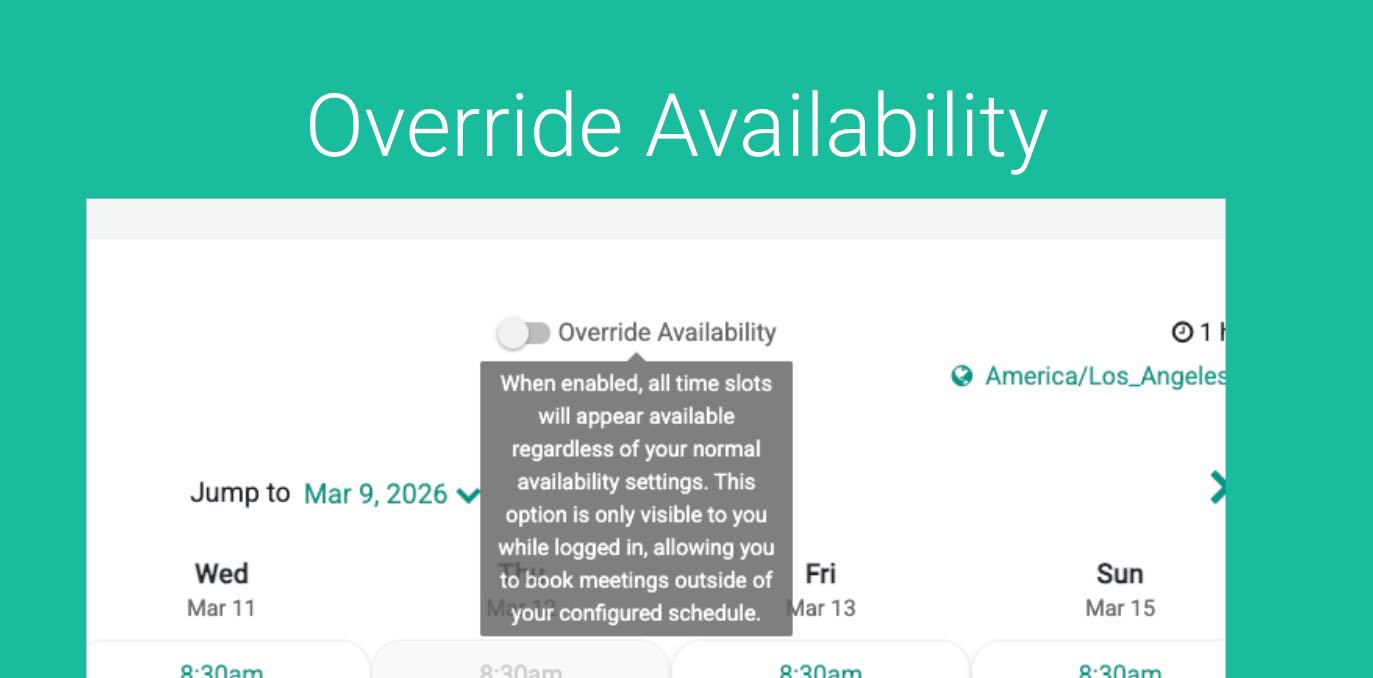
GReminders Scheduling automatically determines when you are available for meetings. It looks at your working hours, existing calendar events or blocks, and any pre- or post-meeting buffers to calculate the time slots that clients can book.
However, there are times when you may want to accommodate a special request—for example, fitting in an important client even though your calendar appears full.
This is where Override Availability comes in.
When a staff member is logged in and opens one of your Event Types, they will see an Override Availability toggle. Enabling this toggle temporarily bypasses the normal availability rules and shows all potential time slots, even if they would normally be blocked.
This makes it easy to schedule meetings in situations where flexibility is needed, without changing your standard scheduling settings.
To use it, make sure you are logged in to GReminders. Then simply navigate to an Event Type of any of your users. You will see a Toggle for Override Availability:
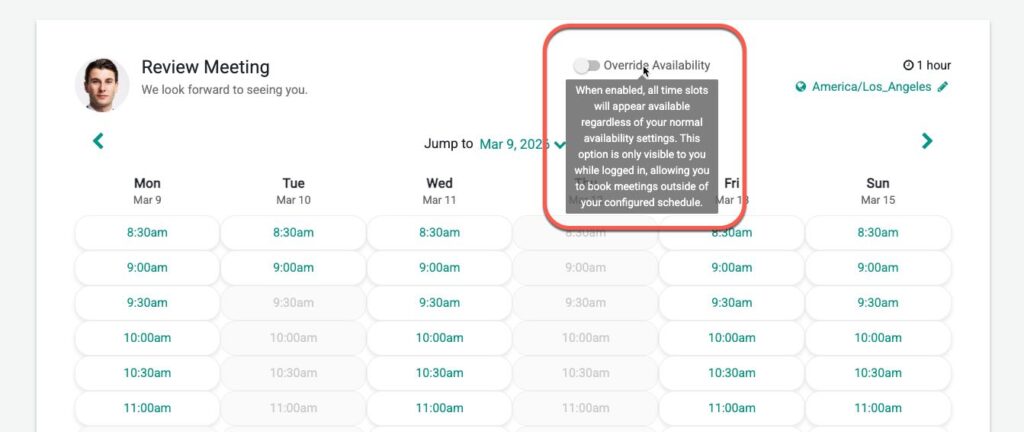
Once you click this it will open up time slots that were previously busy, allowing you to book.
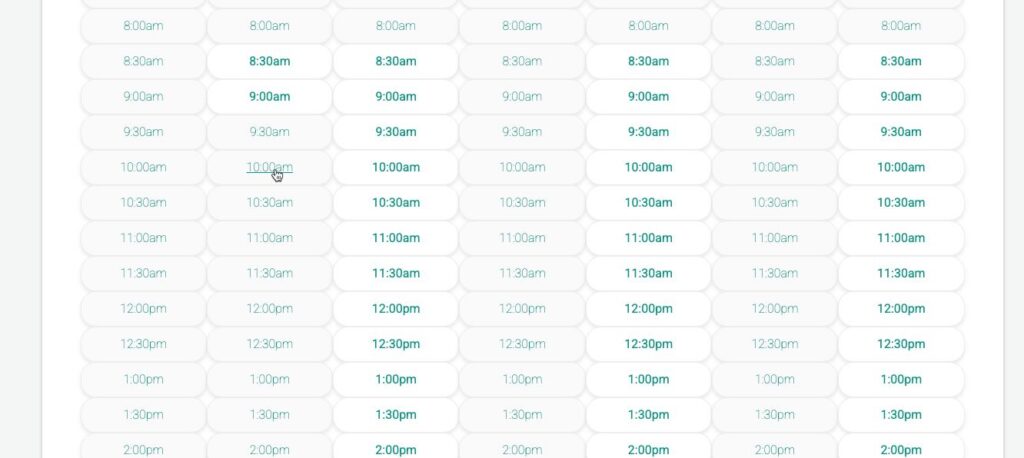
Of course, you should use this feature with care. Time blocks typically exist for a reason—such as other meetings, calendar events, or pre- and post-meeting buffers.
However, you ultimately know your schedule best. If you decide that a particular situation warrants making an exception, Override Availability gives you the flexibility to schedule the meeting anyway.
Note, this feature not available for the following cases:
- NOT available for Group Event Types (it works for all other Event Types)
- NOT available for Event Types with variable duration.
- Does not work when used with Custom Domains at the moment
If you have any questions please email to [email protected]
Happy Scheduling!