Help Center

Organization and User Level Connectors for CRM

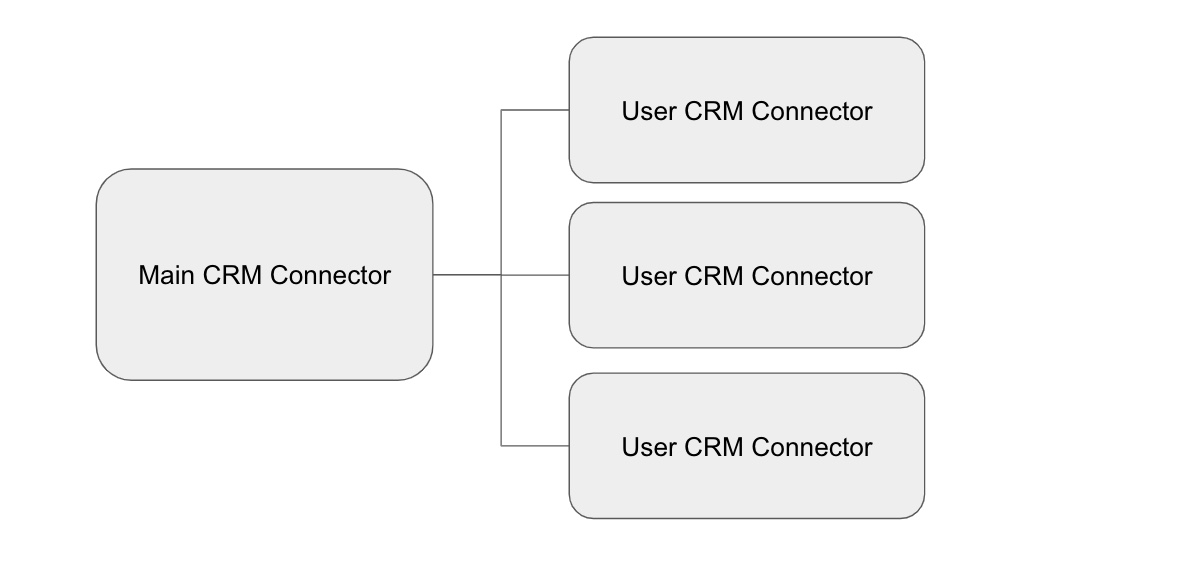
When you connect your CRM to GReminders, in most cases you are doing this at the Organization Level. Meaning you go to Org Settings > Integrations click through to your CRM you are using and connect it. The “User” you connect with is the “primary” connector that the system will interface with. Meaning that whatever […]

Data Classification in Wealthbox CRM: Best Practices for Financial Advisors

Data classification in Wealthbox CRM is a critical yet often underutilized strategy for financial advisors aiming to streamline operations, enhance client relationships, and leverage analytics effectively. By organizing data systematically using Wealthbox’s features like Custom Contact Types, Status Fields, Tags, and Custom Fields, advisors can maximize the utility of their CRM, improve reporting, and ensure […]

Salesforce Financial Services Cloud (FSC) Integration

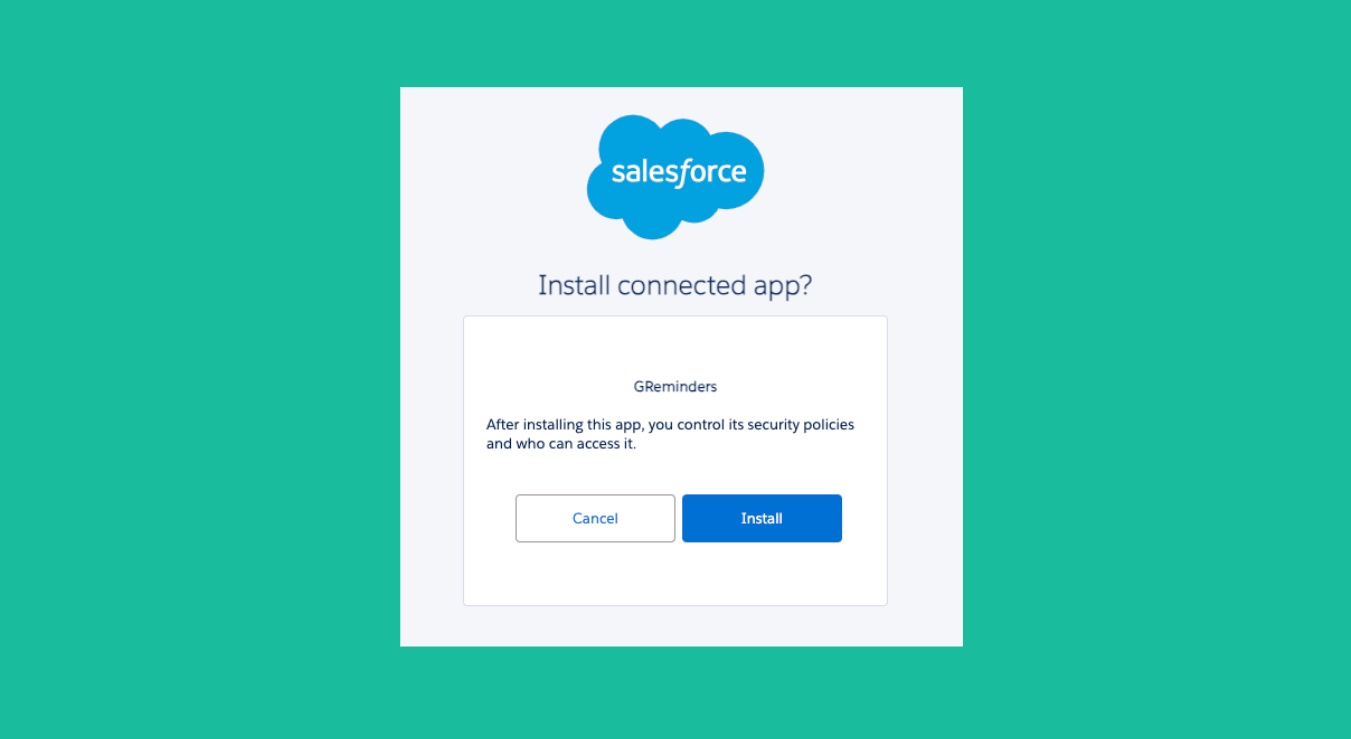
GReminders supports all versions of Salesforce. This article is about the differences and nuances of Financial Services Cloud. All Salesforce articles can be found here. If you are using FSC you should use the SPECIFIC FSC Integration found here within GReminders Org Settings. Go to Org Settings > Integrations > Salesforce FSC Salesforce Financial Services […]

SmartOffice Setup Connection Instructions

Follow the instructions in this article to quickly integrate GReminders with SmartOffice. Setting up User Rights in SmartOffice for GReminders In SmartOffice, go to Setup > User Accounts > User Rights Under the Licenses Section, scroll down to Integrations and select GReminders. Next, you’ll need to gather additional information that you’ll use in GReminders to […]