Look & Feel (Organization Level)
You can set up the default look of your scheduling and routing pages for your organization under Look and Feel. This includes:

You can set up the default look of your scheduling and routing pages for your organization under Look and Feel....
Continue Reading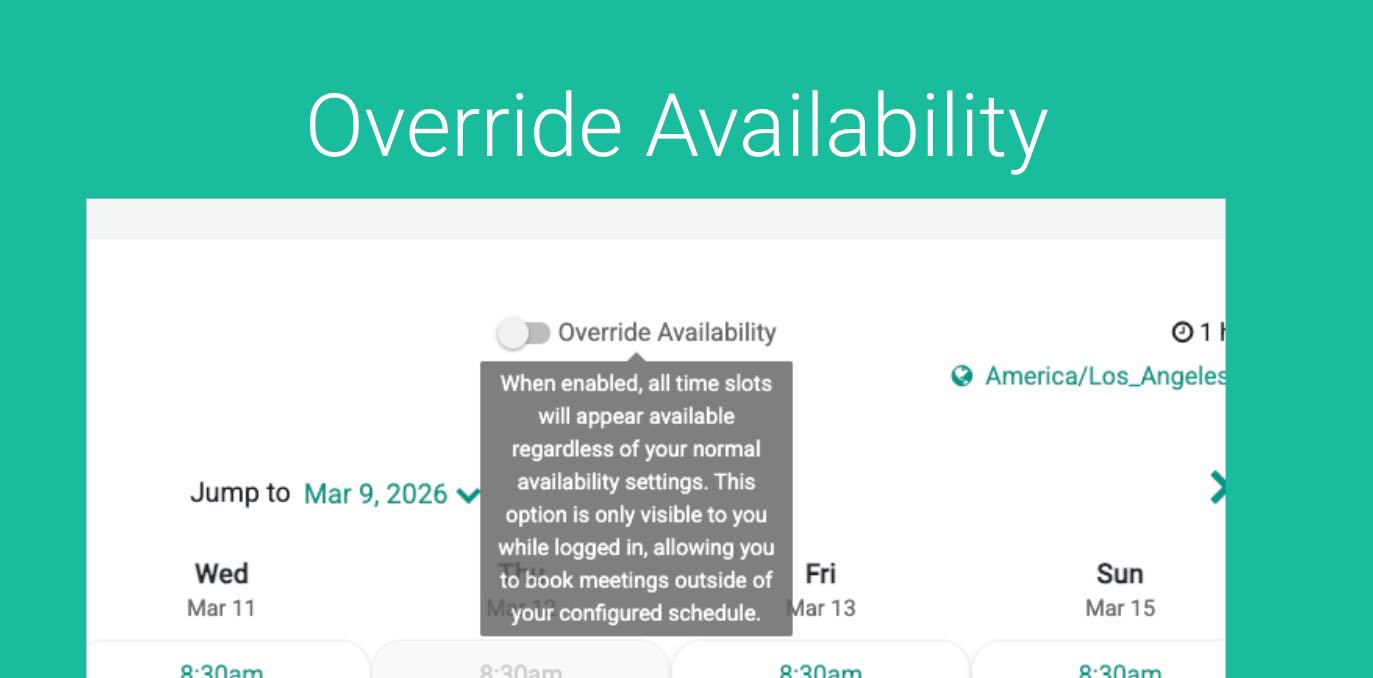
GReminders Scheduling automatically determines when you are available for meetings. It looks at your working hours, existing calendar events or...
Continue Reading

You can set up the default look of your scheduling and routing pages for your organization under Look and Feel. This includes:
GReminders Scheduling automatically determines when you are available for meetings. It looks at your working hours, existing calendar events or blocks, and any pre- or post-meeting buffers to calculate the time slots that clients can book. However, there are times when you may want to accommodate a special request—for example, fitting in an important client […]
Overview The GReminders integration for Redtail CRM brings AI-powered meeting intelligence directly into your workflow. Once enabled, the AI Notetaker joins your calls in real time and makes smart suggestions — automatically generating meeting notes, creating contact entries, kicking off workflows, creating opportunities, and assigning tasks to the right team members within Redtail. What’s Included: […]
When you purchase one or more Notetaker Unlimited License(s) you will decide who those licenses should be assigned to. To apply AI Notetaker Licenses you must be an Administrator. Go to Setup > Users Click Edit next to the User Check the box under Extra Licenses, Notetaker License Hit Save. Repeat this for other Users […]