Quivr is a popular Salesforce Overlay for Financial Advisors.
Financial advisors spend countless hours in meetings with clients, prospects, and teams. But the meeting itself is only part of the work.
The real operational burden often comes before and after the meeting: doing meeting prep, documenting what happened, updating the CRM, creating follow-up tasks, scheduling the next touchpoint, and making sure nothing falls through the cracks.
That’s where Quivr + GReminders come together.
Lets explore.
Meeting Scheduling
When new Meetings are booked for a GReminders Event Type Public Link, GReminders can automatically:
- Create a New Meeting Module Record or set a Date for an Existing Meeting Module Record without a date
- Create new Contacts and Households in Quivr
- Capture Data into Contact or Household Records when Booking a Meeting
- Reschedules will automatically update Meeting Module Dates
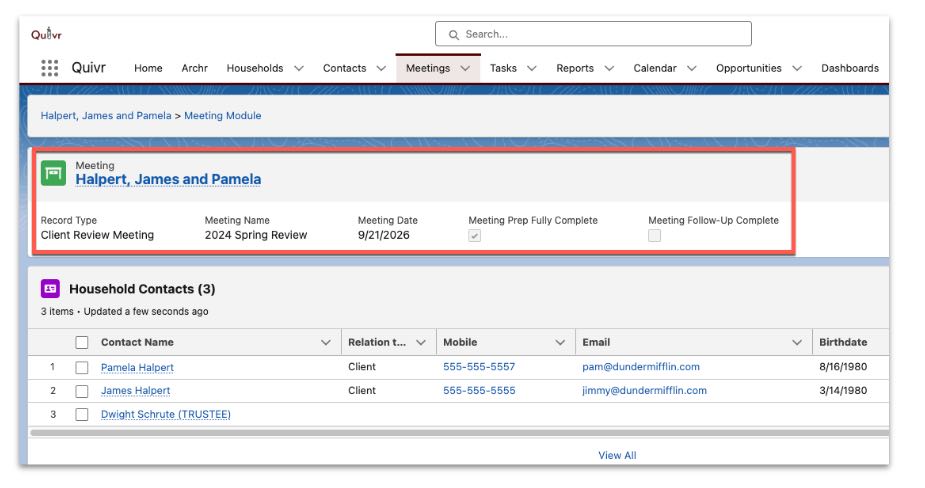
Pre Meeting Briefs
Pre Meeting Briefs can automatically be Logged into the Meeting Module.
Prior to a Meeting you can automatically populate the Meeting Module Record with the latest Pre Meeting Prep/Brief. Simply set your Pre Meeting Brief to be delivered 1 day or 1 week prior to your Meeting and the Pre Meeting Prep Note will be written in your Meeting Module Record
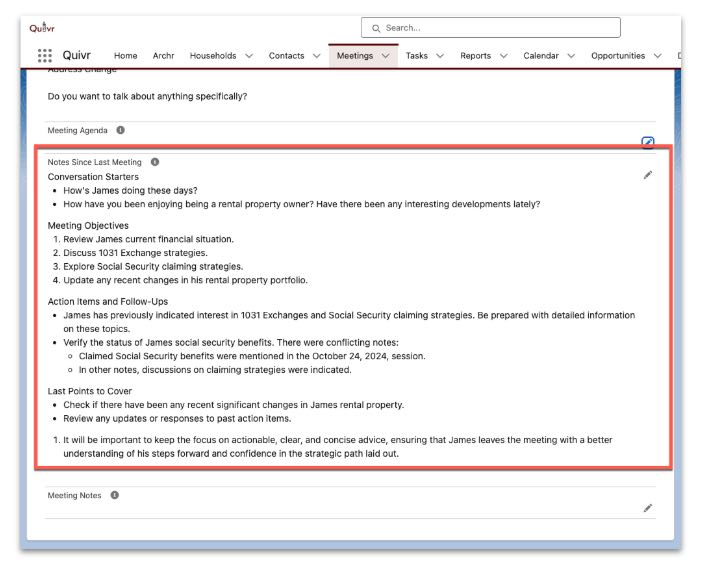
After the Meeting
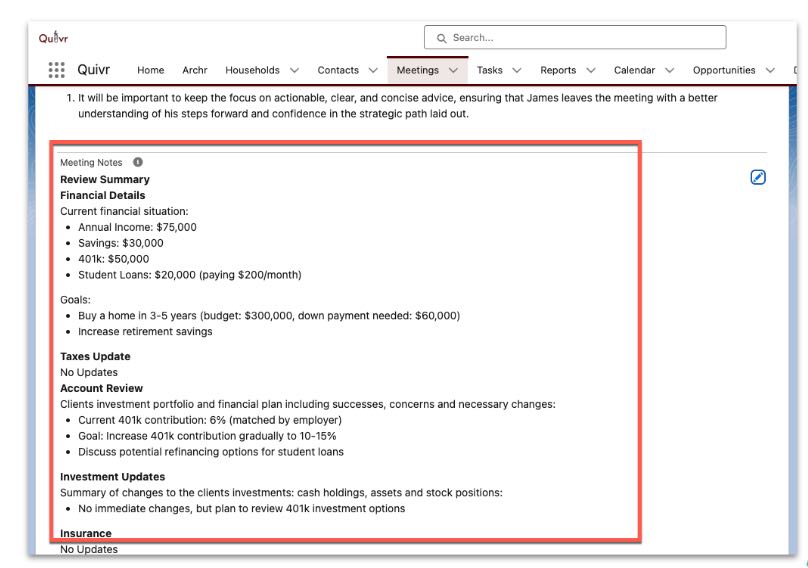
After the Meeting automatically Log your AI Summary into the Meeting Module and push the Tasks or ToDos to the Household
Setup
Go to Setup > Integrations and search for Quivr.
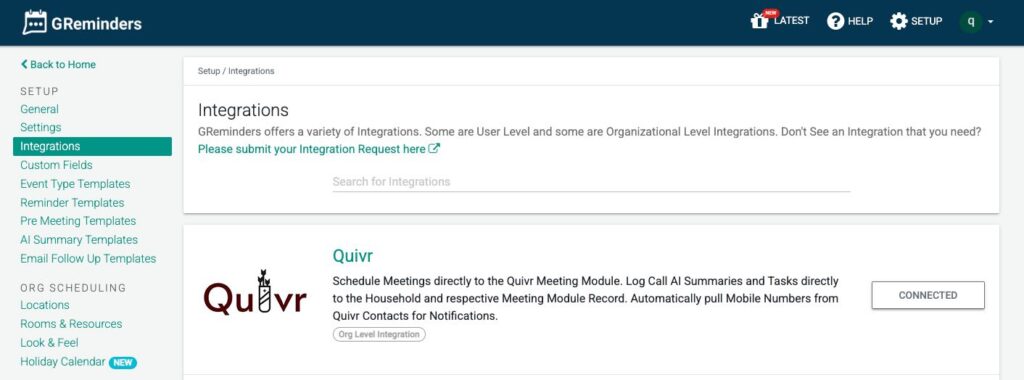
Click Connect. First you need to install the GReminders Package into Quivr (Its very light weight).
Next Connect Quivr to GReminders and login with your Quivr Credentials.
Once connected you will see a variety of options you can toggle to customize your configuration.
That’s It
Any Questions? Email to [email protected]