Help Center

Profiles & Users & Groups

Profiles are a set of users who share similar “Functions”. Profiles control which Features and Permissions those users have access to in GReminders. Think of them as “Permission Profiles” or “Security Profiles”. Profiles allow you to easily apply permissions and functionality to a number of users with just a few clicks. You can think of […]

Users Overview

Each user on the account is assigned a profile. Administrator and standard users are the default profiles. To invite a new user, enter from one to eight email addresses or contact support at Greminders.com for adding users at the Enterprise level. Indicate the profile you would like the user to inherit during sign-up. Administrators will […]

Changing your Login Account

GReminders relies on either your Google or Microsoft login or can support basic Username/Password for authentication. Since your calendar is generally tied to your email account login (which is generally hosted on Google or Microsoft) it’s natural for you to use these credentials for login. It also makes it more secure since GReminders never stores […]

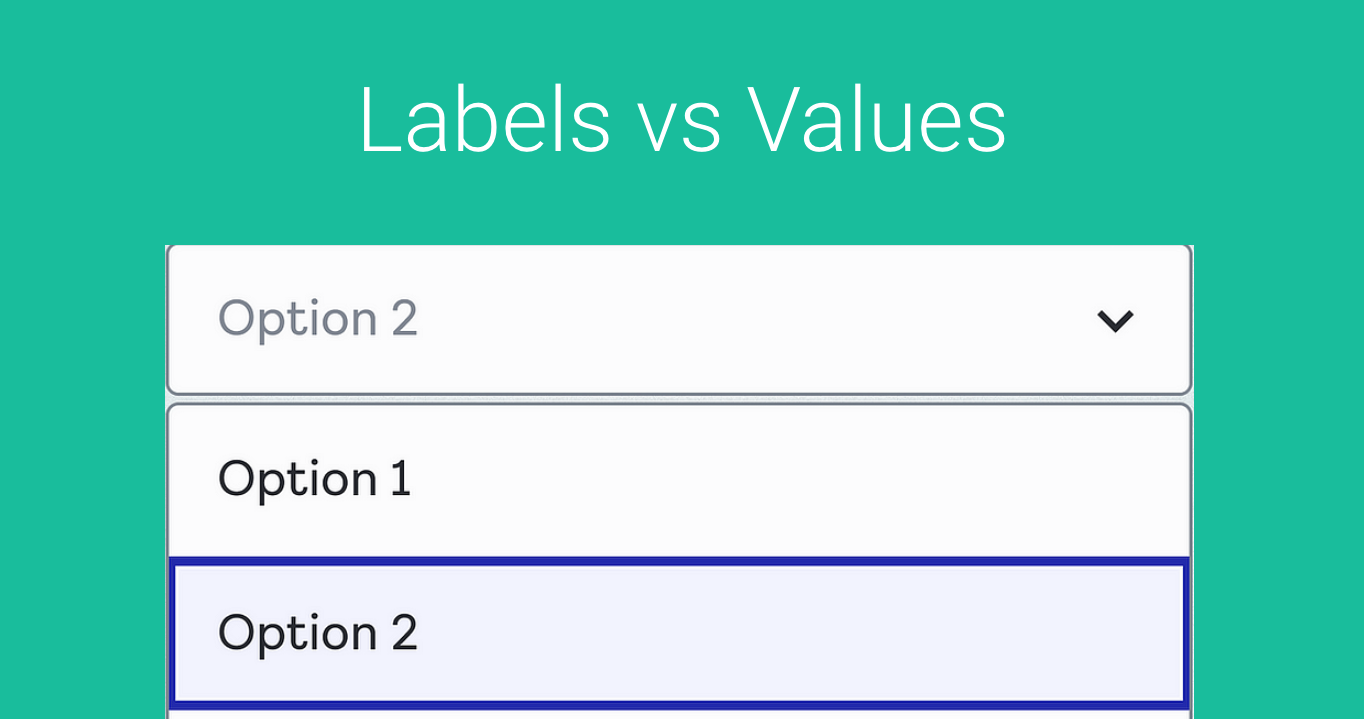
Custom Questions

You can set up custom questions to use during scheduling. Let’s take a look at one that’s already set up: In your event type templates, under Form Questions, select Add a Question. Under Pre-existing Questions, select a custom question that you would like to use for this event type. It will be added to the […]