In certain cases, where Microsoft accounts are more locked down, you may have issues connecting directly with your Microsoft Teams or Email Account.
If you have your CRM calendar connected and not your Microsoft Account you may experience issues connecting Microsoft Teams or Email directly. You can try this by going to Connected Services and adding Teams or Office 365/Outlook.com Mail.
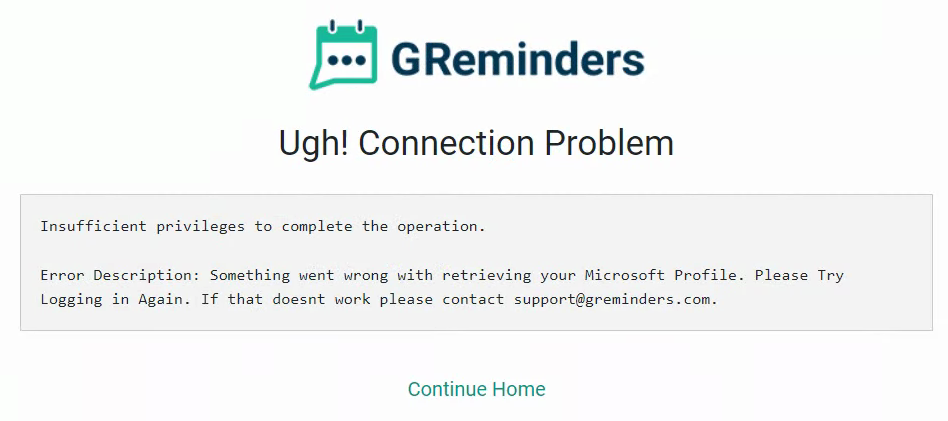
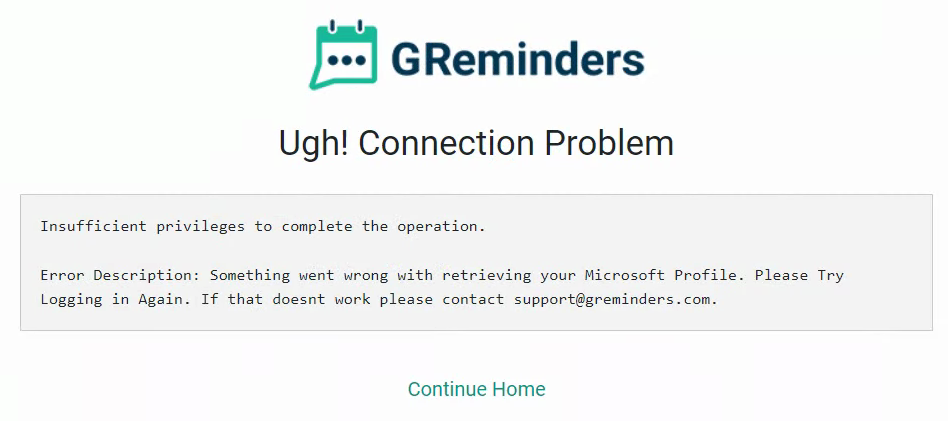
However if you are hitting Connections issues like this:
There is a fix/work around.
Go to Manage Calendar and click Connect Another Calendar.
Select Microsoft Office 365 calendar (dont check any of the boxes after it connects) but doing so should also get you access to Microsoft Teams, which you can then add to your Event Types.
That’s It.
If you continue to have any issues please contact us at [email protected]
FAQs
Why am I having issues connecting directly with my Microsoft Teams or Email Account?
In certain cases where Microsoft accounts are more locked down, you may experience issues connecting directly with Microsoft Teams or Email. This can happen if you have your CRM calendar connected but not your Microsoft Account.
How can I fix connection issues with Microsoft Teams or Email in the calendar?
You can fix connection issues by going to Manage Calendar, clicking Connect Another Calendar, selecting Microsoft Office 365 calendar, and not checking any of the boxes after it connects. This should also grant you access to Microsoft Teams, which you can then add to your Event Types.
What should I do if I continue to have issues connecting Microsoft Teams or Email?
If you continue to have any issues, you should contact support at [email protected] for further assistance.