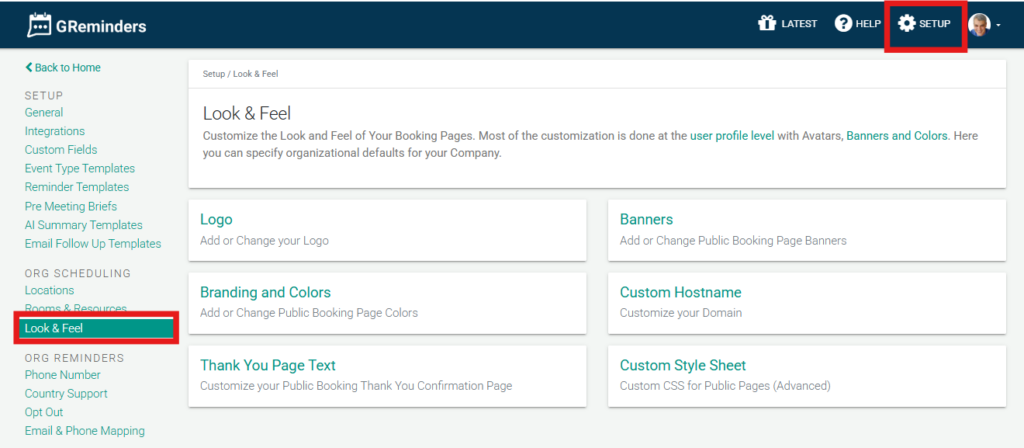
You can set up the default look of your scheduling and routing pages for your organization under Look and Feel. This includes:
- Selecting a favicon that will appear in the browser tab.
- Choosing a default banner for your scheduling and routing pages.
- Select Override User Color Settings to define specific colors for your organization’s scheduling pages (hex value).
- If purchased, customizing your Domain under Custom Hostname.
- Customizing your public booking Thank you confirmation page.
- Apply a Custom Style Sheet for advanced CSS branding and layout control on public pages.
FAQs
How can I set a favicon for my organization's scheduling and routing pages?
You can select a favicon that will appear in the browser tab under the Look and Feel settings for your organization.
Is it possible to customize the colors on the scheduling pages?
Yes, by selecting Override User Color Settings, you can define specific colors for your organization's scheduling pages using hex values.
Can I apply advanced branding and layout changes to public pages?
Yes, you can apply a Custom Style Sheet for advanced CSS branding and layout control on public pages.