Help Center

Make GReminders a Trusted App in Google Workspace

AI features within GReminders are transformational for Financial Services and other Professionals. The more data AI has the more useful it becomes for you as an Assistant. Some examples what we do with Email: Google and GReminders take security very seriously. Please visit the GReminders Security Page and or request our Security Whitepaper from your […]

Microsoft Teams VOIP Phone w/ AI Notetaker

Microsoft Teams Phone VoIP provides a robust platform for voice communication, while GReminders AI Notetaker enhances meeting productivity through intelligent automation. Together, these tools create a powerful ecosystem that streamlines workflows, improves collaboration, and ensures no critical detail is missed. Note, Microsoft Teams is both a Web Meeting Provider AND can also act as your […]

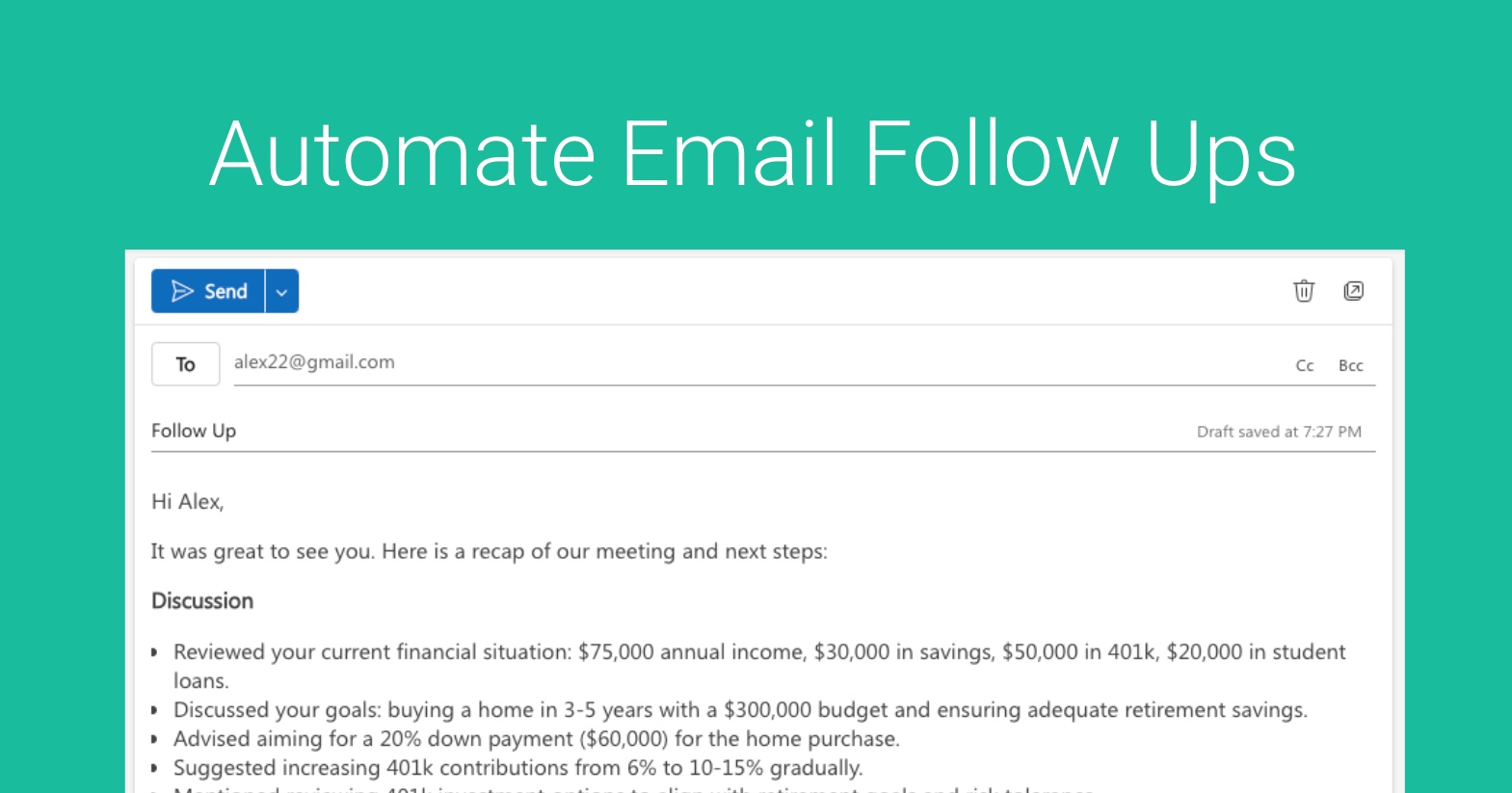
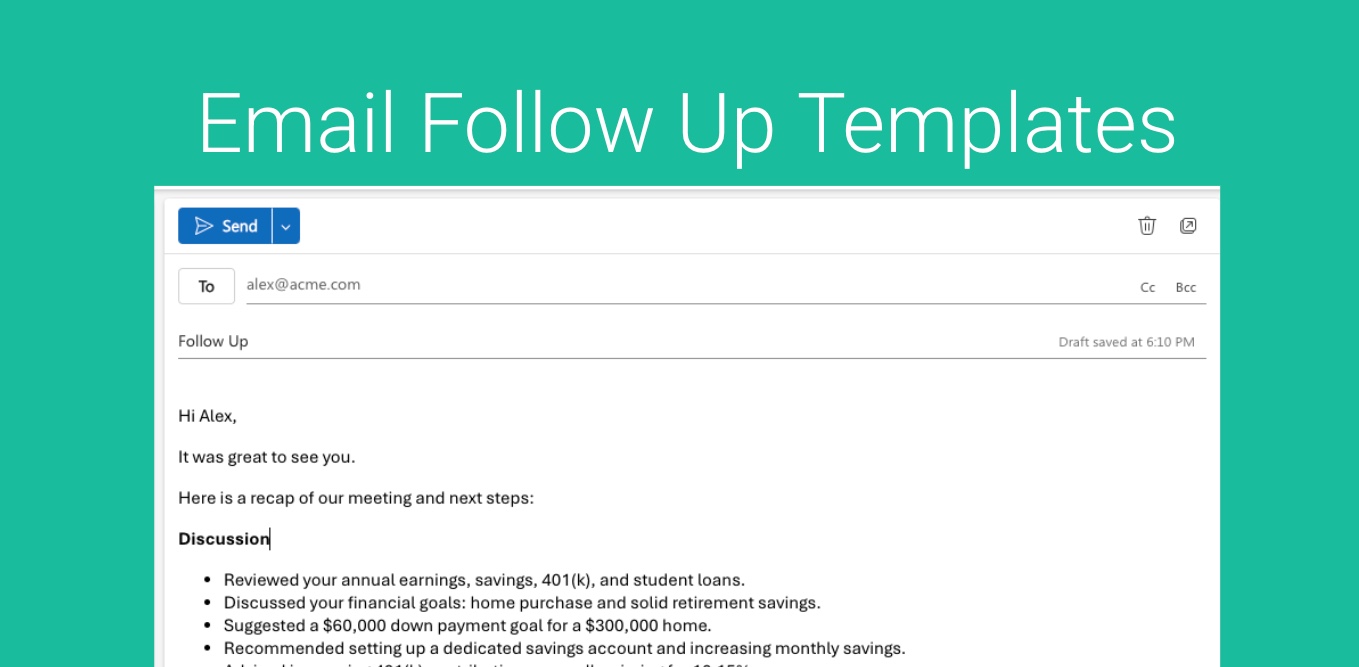
Automate Email Follow Ups with AI

Sending email follow-ups as a financial advisor is critical for building trust, maintaining client relationships, and driving business growth. Here’s why: Reinforce Trust and CredibilityFollow-ups show clients you’re attentive and committed to their financial goals. A timely email recapping a meeting or checking in on their progress demonstrates professionalism and keeps you top-of-mind. Clarify and […]

Notion Integration

Notion is a popular all-in-one workspace that helps users organize tasks, notes, and projects. Launched in 2013, it has gained millions of users for its flexibility and ease of use. If you use Notion to manage your work, you can now automatically add AI-generated tasks (from post-meetings) directly to your Notion pages. This makes it […]

Monday Integration

Monday.com stands out as a leading platform for project management. With its versatile tools, it simplifies the coordination of both internal and external projects. Now, you can seamlessly integrate AI Notetaker Tasks (Post-Meeting) into your Monday.com workflows, enhancing your project tracking with minimal effort.Here’s how to get started. Setup First, go to Org Settings > […]