GReminders lets you leverage your contacts in CRM to automate a variety of emails/SMS notifications to Clients around various actions. Common use cases include:
- Asking for Annual Review Meeting
- Sending Birthday or Anniversary Wishes
- Sending a notification when someone hits a certain age, such as age 50 for 401k catch up contributions, etc…
- When a client reaches a certain financial age milestone
These “lists” require us to “filter” the contacts we want to send to. Contacts in a certain status, category, tag group etc….
Often this criteria includes “date/calculated” Fields. Here we will discuss how date/calculated fields can be leveraged for building lists with specific use cases.
Sending on their Birthday:

Sending 1 day prior to their Birthday:

Sending on their 50th birthday:

Sending 1 week after they turn 50:

Assuming you have a field that represents when you need to reach out to them for their next review. Sending on their Next Review Date

Assuming you have a field that represents their “Onboarding Date” (when they became a client) and you want to meet with then every 6 months:

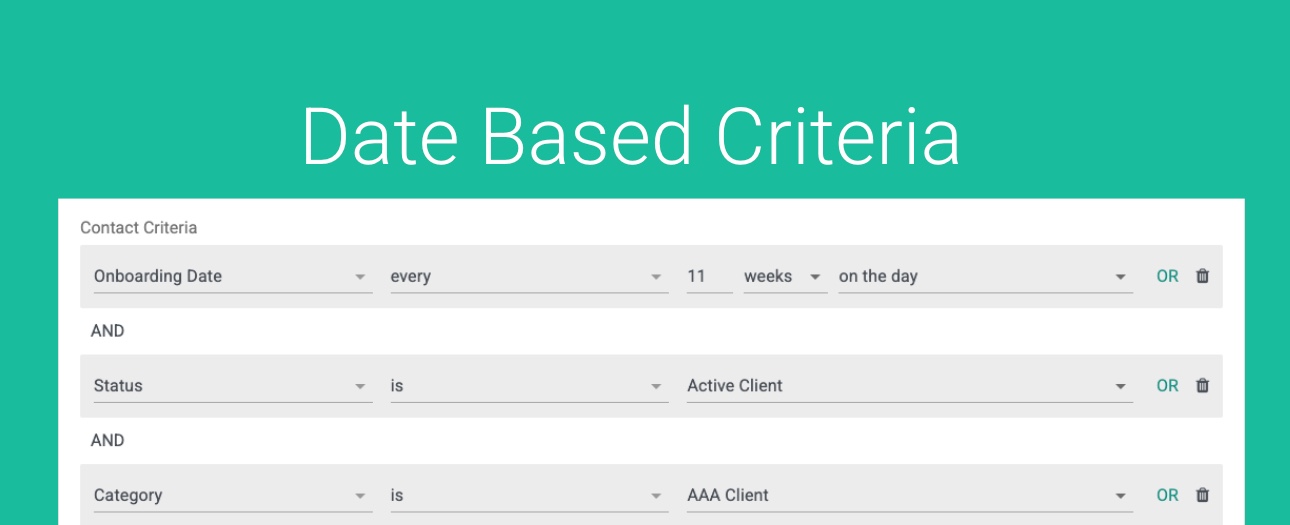
Putting it all together with your Active Clients, “Triple A” Clients, you want to meet every 11 weeks since they become a client:
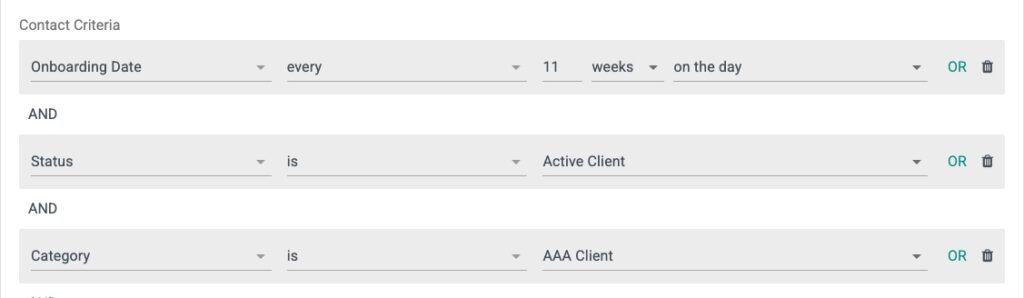
You can put together various criteria using AND / OR operators to build your list.
Remember you can Preview all your Contacts prior to sending them.
Use this in conjunction with Ongoing Automation to continue to send until they Book a Meeting (assuming this is your primary Call To Action).
We are here to help. If you need help please contact [email protected] OR enlist our dedicated onboarding team to help build these out for you.
Happy Scheduling.
FAQs
How can I use GReminders to send notifications based on client birthdays?
You can leverage date/calculated fields in GReminders to filter contacts and automate sending notifications on their birthday, one day prior, or on milestone birthdays such as their 50th birthday.
Can GReminders automate reminders for client review meetings?
Yes, if you have a field representing the client's next review date or onboarding date, you can set up automated notifications to remind you to reach out on those dates or at regular intervals, such as every 6 months or every 11 weeks.
How do I build contact lists for specific notifications in GReminders?
You can build contact lists by filtering contacts based on status, category, tag groups, and date/calculated fields using AND/OR operators. You can preview your contacts before sending and use ongoing automation to continue sending reminders until the client books a meeting.